Page 15 of 16
RE: WIP: GUI Mod Brown
Posted: Sat Feb 20, 2016 5:13 pm
by gliz2
Thx Meyer

Do you know which graphic is responsible for displaying the pictures in the unit icon?
Also I cannot get any GUI modifications to work. I installed them in the AlternateGraphics folder. Or it should be any other folder?
RE: WIP: GUI Mod Brown
Posted: Wed Feb 24, 2016 6:28 pm
by sPzAbt653
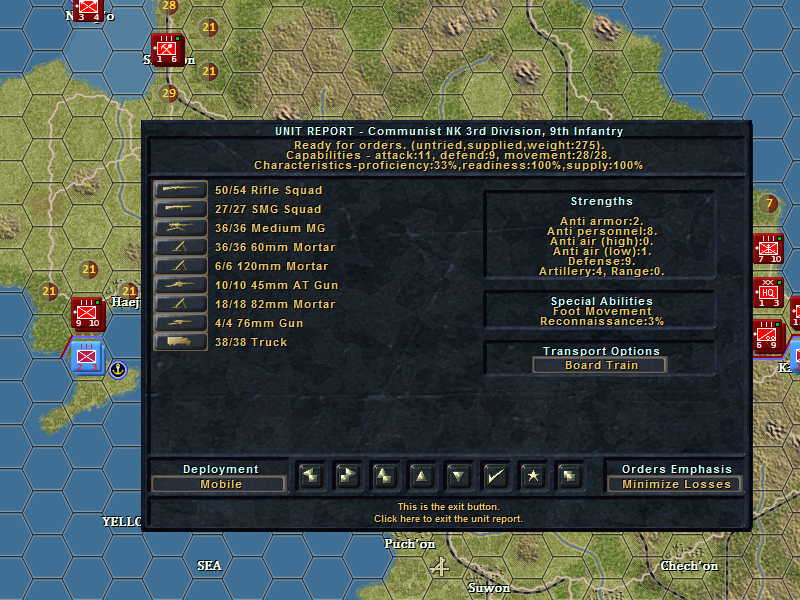
A question for the graphics department - I'm using the Square Counters Mod, and I made a few changes myself, and now in Huge 2D Mode the Loss Settings appear differently. As seen below, the first 'dot' for Minimize appears normal, but the next two for Limit and Ignore appear as lines. This is using the bmp's [not the png's]. While I can see that the Huge 2D appears to use a different source from or in the Numbers file for the dots, I don't know what they are, so I can't determine what I changed to make these appear differently. [:(]

RE: WIP: GUI Mod Brown
Posted: Wed Feb 24, 2016 6:34 pm
by sPzAbt653
Do you know which graphic is responsible for displaying the pictures in the unit icon?
Each set of colors has its own icon set. They are in the main Graphics folder, for example units_1_green_1.
I cannot get any GUI modifications to work.
I am not sure about this, but I thought they would be read from AltGraphics, so maybe try the Graphics Folder, or the scenario specific Graphics folder if there is one. And always back up the originals !
RE: WIP: GUI Mod Brown
Posted: Fri Feb 26, 2016 11:55 pm
by Meyer1
ORIGINAL: sPzAbt653
A question for the graphics department - I'm using the Square Counters Mod, and I made a few changes myself, and now in Huge 2D Mode the Loss Settings appear differently. As seen below, the first 'dot' for Minimize appears normal, but the next two for Limit and Ignore appear as lines.
Do they look good with the regular counters?. In my case, normal bmp counters look bad in huge view, in fact, even worse than yours. I would guess that the screen resolution could be a factor here.
But I don't care since I think png look so much better [:D]
RE: WIP: GUI Mod Brown
Posted: Fri Feb 26, 2016 11:57 pm
by Meyer1
ORIGINAL: gliz2
Also I cannot get any GUI modifications to work. I installed them in the AlternateGraphics folder. Or it should be any other folder?
Just to add to Steve's answer, make sure that the mod files are in the AltGraphics folder, sometimes while unzipping a subfolder is created and that is not gonna work.
RE: WIP: GUI Mod Brown
Posted: Sat Feb 27, 2016 2:32 am
by sPzAbt653
I think png look so much better
Stop staying stuff like that, there could be children around !
I checked other scenarios that use the stock graphics and all is good, so its something I've done unwittingly.
RE: WIP: GUI Mod Brown
Posted: Sat Feb 27, 2016 2:36 am
by Meyer1
ORIGINAL: sPzAbt653
I think png look so much better
Stop staying stuff like that, there could be children around !
I checked other scenarios that use the stock graphics and all is good, so its something I've done unwittingly.
Well, good for you. This is how mine look at 2560x1440 (pictured zoomed to see more detail)

RE: WIP: GUI Mod Brown
Posted: Sat Feb 27, 2016 10:23 am
by sPzAbt653
At that zoom in you can see how the lower 'dot' is different from the two above it. So its using something different, which is what I can't find, or is what I don't know how is done. As you can see in the shot in post #282, my two dots above are truncated, or are being impinged upon, or I screwed up some pixels somewhere, or something else. [:(]
RE: WIP: GUI Mod Brown
Posted: Sat Feb 27, 2016 1:06 pm
by Lobster
Looks like the dots are crowded causing the dots above the first to be cut off. The dot is located between the last 'X' and the 'L' on the right hand side of Numbers.bmp, H_numbers.bmp and the corresponding .png files. So if something was done to shift the position or size of that dot that change will have an impact on how they are displayed on the counter. Maybe they were moved up a couple of pixels. In the Numbers.bmp file the dots should be one pixel short of covering their color bar. Touch the bottom but not the top of their color bar. Hope it's something that simple.
RE: WIP: GUI Mod Brown
Posted: Sat Mar 26, 2016 2:14 pm
by IslandInland
I've just bought TOAW III with the 30% off discount. I installed the game, applied the latest patch and set about installing a graphics mod to make the game look better. I chose Classic Redux II as I noticed it in this thread a few pages back.
Am I right in thinking I just need to copy and paste the contents of the mod into the AltGraphics folder in the TOAW III main directory? I did that and then copied the Almost Olive GUI mod as I like that one.
I compared my game with the screenshots here:
https://thetoawbeachhead.wordpress.com/ ... -redux-ii/
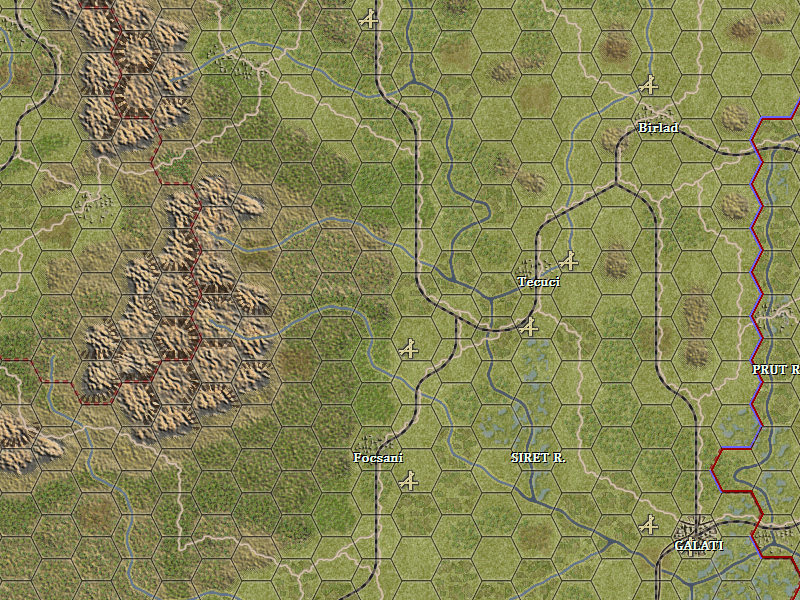
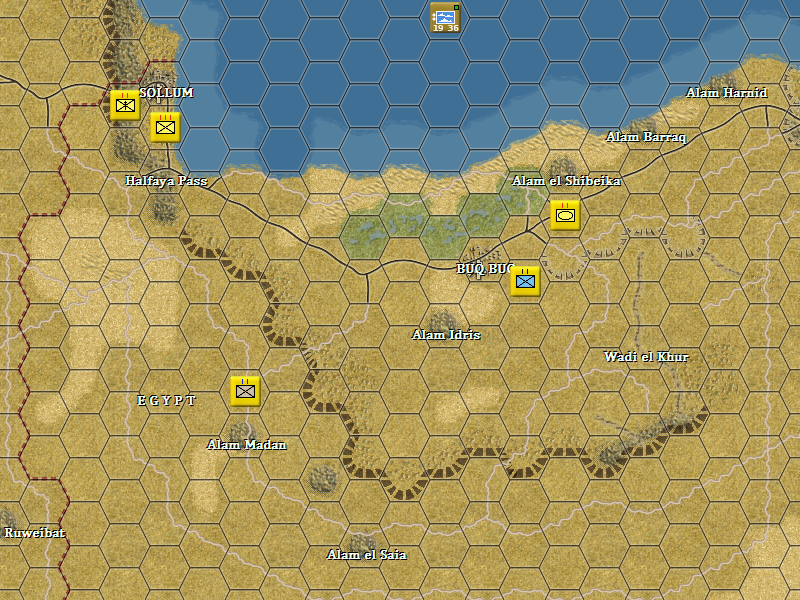
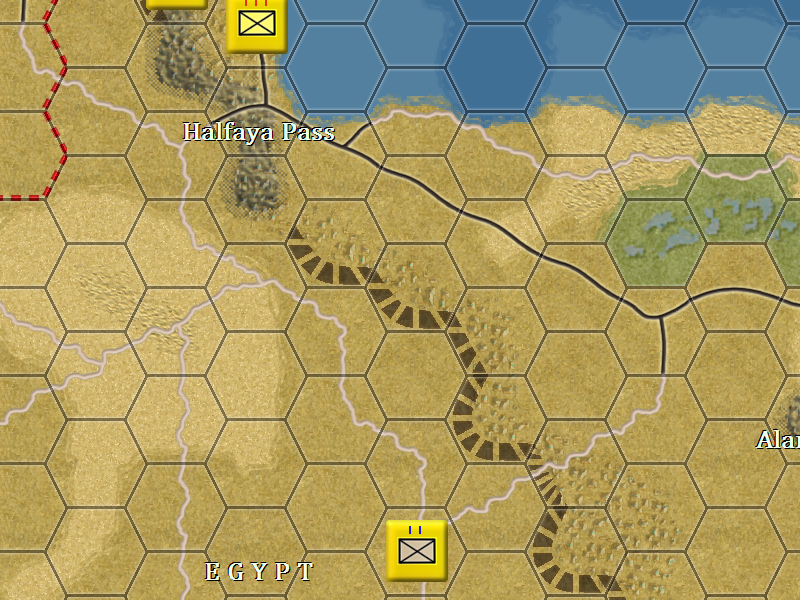
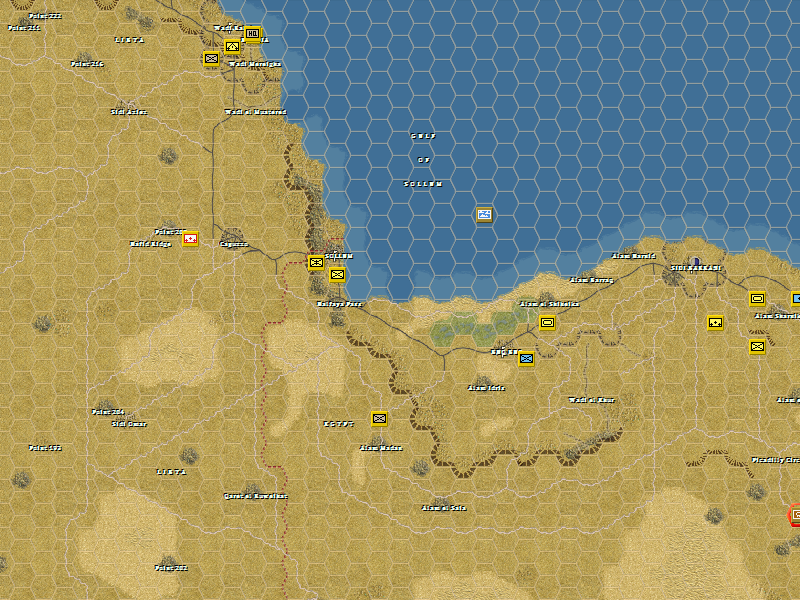
and all seems to be well apart from the desert graphics in the WWII North Africa scenarios. The area around Knightsbridge looks different in my game than it does in the screenshot on the webpage listed mentioned above.
Have I installed this correctly or is there something else I should be doing?
Any help would be much appreciated.
RE: WIP: GUI Mod Brown
Posted: Thu Mar 31, 2016 4:32 pm
by Oberst_Klink
ORIGINAL: XXXCorps
I've just bought TOAW III with the 30% off discount. I installed the game, applied the latest patch and set about installing a graphics mod to make the game look better. I chose Classic Redux II as I noticed it in this thread a few pages back.
Am I right in thinking I just need to copy and paste the contents of the mod into the AltGraphics folder in the TOAW III main directory? I did that and then copied the Almost Olive GUI mod as I like that one.
I compared my game with the screenshots here:
https://thetoawbeachhead.wordpress.com/ ... -redux-ii/
and all seems to be well apart from the desert graphics in the WWII North Africa scenarios. The area around Knightsbridge looks different in my game than it does in the screenshot on the webpage listed mentioned above.
Have I installed this correctly or is there something else I should be doing?
Any help would be much appreciated.
Make sure to create a folder with the exact name of the scenario in the AltGraphics folder and copy the special desert tiles in there.
Klink, Oberst
RE: WIP: GUI Mod Brown
Posted: Mon May 23, 2016 11:08 pm
by RyanCrierie
I am interested as well but I don't think he ever released it, I guess you could try to PM the guy.
Interesting concept. I could try my hand at it -- it's not that difficult, just time consuming.

RE: Please post graphics mods here
Posted: Mon Jun 27, 2016 8:05 pm
by CapitanPiluso
Hi Telumar
As my computer died I bought a new one and reinstalled TOAW, then downloaded your mod but couldn t get these fonts,only the original fonts appear.
So long when I did this for the first time,am I missing somethig besides unzipping into altgraphic folder??
Thanks a lot.
RE: Please post graphics mods here
Posted: Mon Jun 27, 2016 10:06 pm
by Meyer1
Piluso: I think those are windows fonts, so you have to edit the "opart3.ini" or the "Opart 3fonts.ini" or both, to get those. From Telumar page (still MIA

)
And the GUI:
There is not only one, but 10 GUI Mods! Note that the GUI mods are themed, i.e. the Mod ‘Eastern Rust’ has a World War II Soviet theme while the Modern Olive style is a Cold War/Post Cold War general theme. Also note that the download contains an Opart 3 fonts .ini file with the settings and fonts that have been used for the screenshots. Please also read the ‘readme’ text file that is contained in the download.
https://thetoawbeachhead.wordpress.com/ ... phic-mods/
Saludos de Coquito [:D]
RE: WIP: GUI Mod Brown
Posted: Mon Jun 27, 2016 10:16 pm
by Meyer1
ORIGINAL: XXXCorps
I've just bought TOAW III with the 30% off discount. I installed the game, applied the latest patch and set about installing a graphics mod to make the game look better. I chose Classic Redux II as I noticed it in this thread a few pages back.
Am I right in thinking I just need to copy and paste the contents of the mod into the AltGraphics folder in the TOAW III main directory? I did that and then copied the Almost Olive GUI mod as I like that one.
I compared my game with the screenshots here:
https://thetoawbeachhead.wordpress.com/ ... -redux-ii/
and all seems to be well apart from the desert graphics in the WWII North Africa scenarios. The area around Knightsbridge looks different in my game than it does in the screenshot on the webpage listed mentioned above.
Have I installed this correctly or is there something else I should be doing?
Any help would be much appreciated.
Looks like you did it right.. could you post a screenshot? Maybe the image in Telumar's page doesn't correspond exactly with his mod...
RE: WIP: GUI Mod Brown
Posted: Mon Jun 27, 2016 10:20 pm
by Meyer1
ORIGINAL: RyanCrierie
I am interested as well but I don't think he ever released it, I guess you could try to PM the guy.
Interesting concept. I could try my hand at it -- it's not that difficult, just time consuming.
Look nice, but with so many different equipment types, I guess it's a monster job.
RE: Please post graphics mods here
Posted: Tue Jun 28, 2016 7:22 pm
by CapitanPiluso
ORIGINAL: Meyer1
Piluso: I think those are windows fonts, so you have to edit the "opart3.ini" or the "Opart 3fonts.ini" or both, to get those. From Telumar page (still MIA
)
And the GUI:
There is not only one, but 10 GUI Mods! Note that the GUI mods are themed, i.e. the Mod ‘Eastern Rust’ has a World War II Soviet theme while the Modern Olive style is a Cold War/Post Cold War general theme. Also note that the download contains an Opart 3 fonts .ini file with the settings and fonts that have been used for the screenshots. Please also read the ‘readme’ text file that is contained in the download.
https://thetoawbeachhead.wordpress.com/ ... phic-mods/
Saludos de Coquito [:D]
Thank you but in the opart3fonts there are several fonts names and I don´t know which should I change...
Uyy desde chico que no sabia nada de Coquito [8D]
RE: Please post graphics mods here
Posted: Tue Jun 28, 2016 10:07 pm
by Meyer1
Piluso: download the GUI file from Telu's page, there's a readme there and also the Opart3 Fonts.ini file to get those fonts.
RE: Please post graphics mods here
Posted: Thu Oct 27, 2016 8:47 pm
by RyanCrierie
I created a somewhat curated Archival page of TOAW graphics mods here
LINK
RE: Please post graphics mods here
Posted: Sun Jul 16, 2017 5:04 am
by fulcrum28
where do you put all silvain mod files?