Page 1 of 1
Art Mod: Loadscreens Set #2
Posted: Tue Feb 21, 2012 6:42 pm
by bcgames
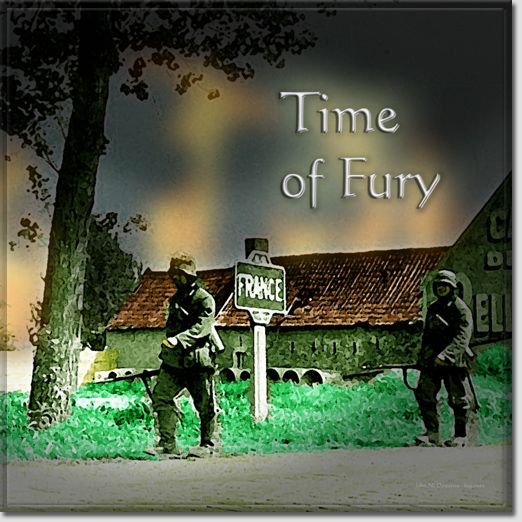
This mod provides an alternative for several graphics files that load at the beginning of the game.
Back-up your original files. Download the attachment and place it in the data/gfx folder of the main game directory. This is the logog.png file...
RE: Art Mod: Loadscreens Set #2
Posted: Tue Feb 21, 2012 6:44 pm
by bcgames
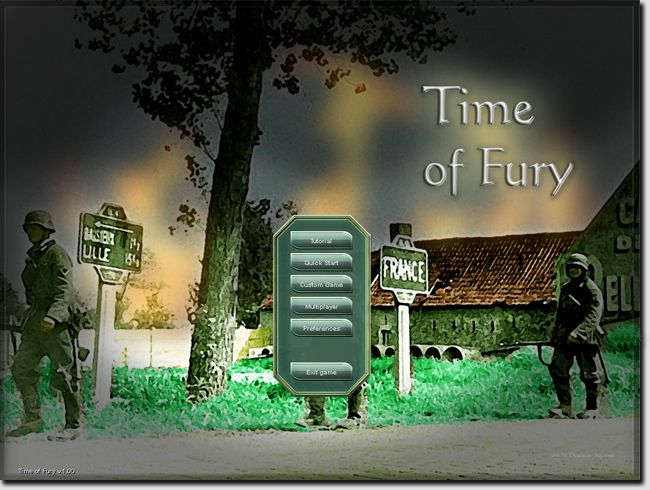
Download the attachment and place it in the data/gfx folder of the main game directory. This is the wallpaper_main.png file...
RE: Art Mod: Loadscreens Set #2
Posted: Tue Feb 21, 2012 6:44 pm
by doomtrader
Another nice piece of artwork

RE: Art Mod: Loadscreens Set #2
Posted: Tue Feb 21, 2012 6:46 pm
by bcgames
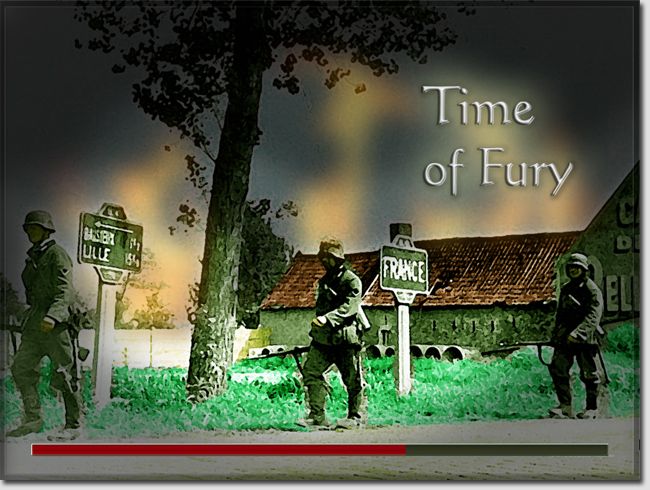
Download the attachment and place it in the data/gfx folder of the main game directory. This is the wallpaper_loading.png file...
RE: Art Mod: Loadscreens Set #2
Posted: Tue Feb 21, 2012 8:00 pm
by Rasputitsa
Another nice image, makes a good package. I am using 1600x900 and in the wallpaper_main.png file it cuts the troops off at the knees, is there an easy way to reprofile the images for wide-screen. [:)]
RE: Art Mod: Loadscreens Set #2
Posted: Tue Feb 21, 2012 8:43 pm
by Rasputitsa
Got Gimp up and running, used your image and managed to massacre it into 1600x900, looks good, thanks again.[:)]
RE: Art Mod: Loadscreens Set #2
Posted: Tue Feb 21, 2012 10:39 pm
by bcgames
ORIGINAL: Rasputitsa
...I am using 1600x900 and in the wallpaper_main.png file it cuts the troops off at the knees, is there an easy way to reprofile the images for wide-screen.
That's an interesting question. It appears to me that the game is optimized for a 1024x768 px resolution presentation of these .png images. The actual image on the 2048x2048 .png file is 1600x1200 px. I'm wondering now if 1024x768 is still the "standard" computer screen resolution. I'm sitting here looking at two wide screen monitors...hmmmm...
Time to mess with things a bit. What did you do to get a satisfactory/better display?
RE: Art Mod: Loadscreens Set #2
Posted: Wed Feb 22, 2012 8:27 am
by Rasputitsa
ORIGINAL: bcgames
ORIGINAL: Rasputitsa
...I am using 1600x900 and in the wallpaper_main.png file it cuts the troops off at the knees, is there an easy way to reprofile the images for wide-screen.
That's an interesting question. It appears to me that the game is optimized for a 1024x768 px resolution presentation of these .png images. The actual image on the 2048x2048 .png file is 1600x1200 px. I'm wondering now if 1024x768 is still the "standard" computer screen resolution. I'm sitting here looking at two wide screen monitors...hmmmm...
Time to mess with things a bit. What did you do to get a satisfactory/better display?
In Gimp, pull down from 'Image', select 'scale image', set resolution in pixels height and width, to scale image. Image I used was cut from your
wallpaper_main.png, losing some from the top and bottom, to get near to widescreen. Pasted result back into your image, aligned on the top edge, that left a mess of doube image at the bottom, but the game screen only shows the top part of the image in my resolution. Not a neat solution, but it works. [:)]