Page 1 of 1
Report Menu (left pane) allow free scrolling
Posted: Mon Dec 14, 2020 11:15 pm
by Daza99
Report window left menu window, could we just use the mouse wheel (when pointer is in the w. pane) to scroll the menu down/up rather than having to use the scroll bar? seeing how we visit this menu multiple times during a turn it would speed things up. The scroll bar would still remain there so players know there is more report options to see as well interact with it if they want to. Also up and down arrow keys could be hotkeys for this too (eg. using a laptop)
Re: Report Menu (left pane) allow free scrolling
Posted: Fri Dec 15, 2023 12:20 pm
by BlueTemplar
(Linked in
[Links] to layout issues.)
Mouse scrolling has now been implemented, though keyboard scrolling has not (moves the map instead).
This is fundamentally a layout issue that depends on the effective resolution that you use :
What I see with effective 1920x1200 :
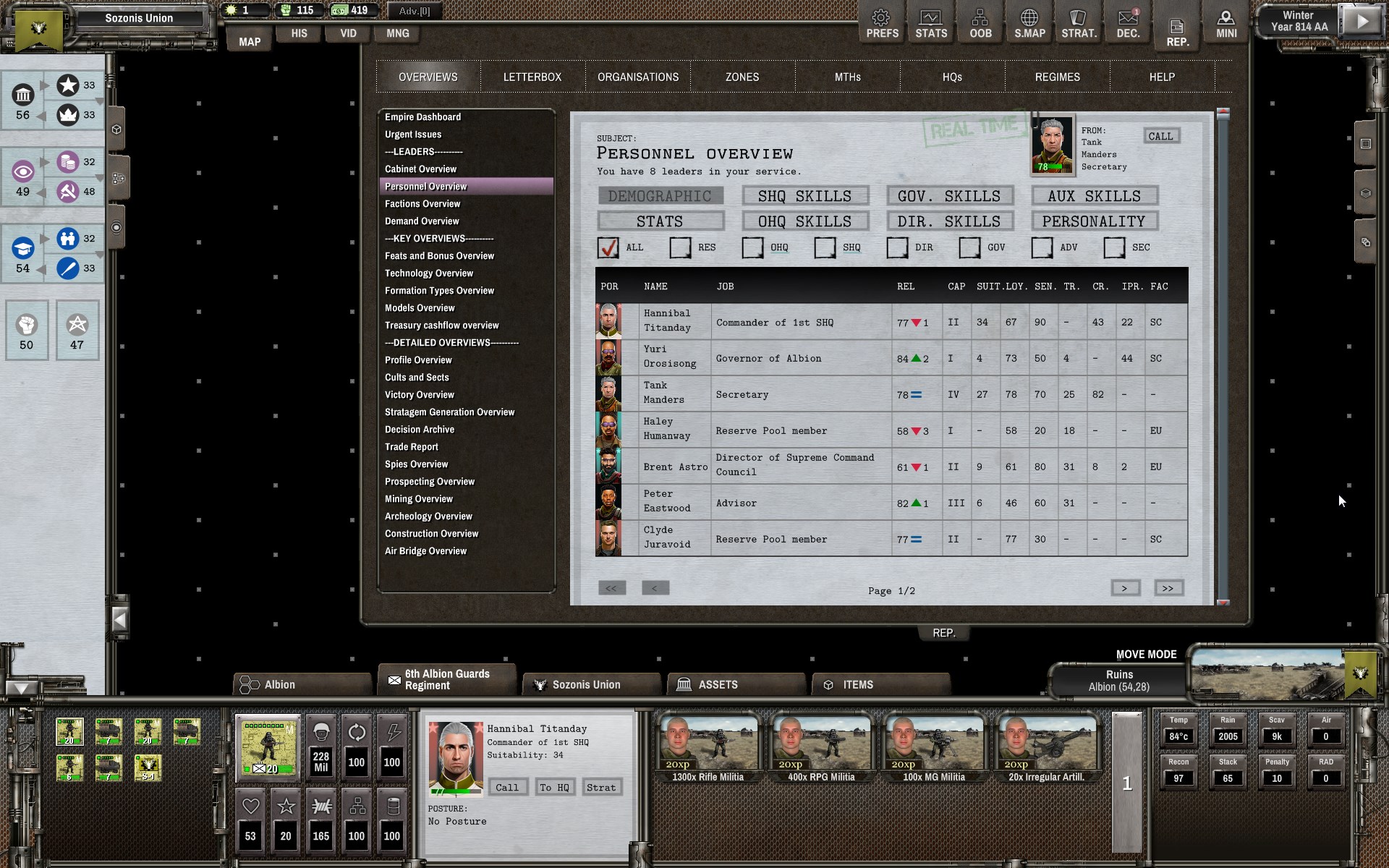
- ShadowEmpire_C8WuWSJD6n.jpg (592.28 KiB) Viewed 511 times
What someone using effective 1920x1080 sees :
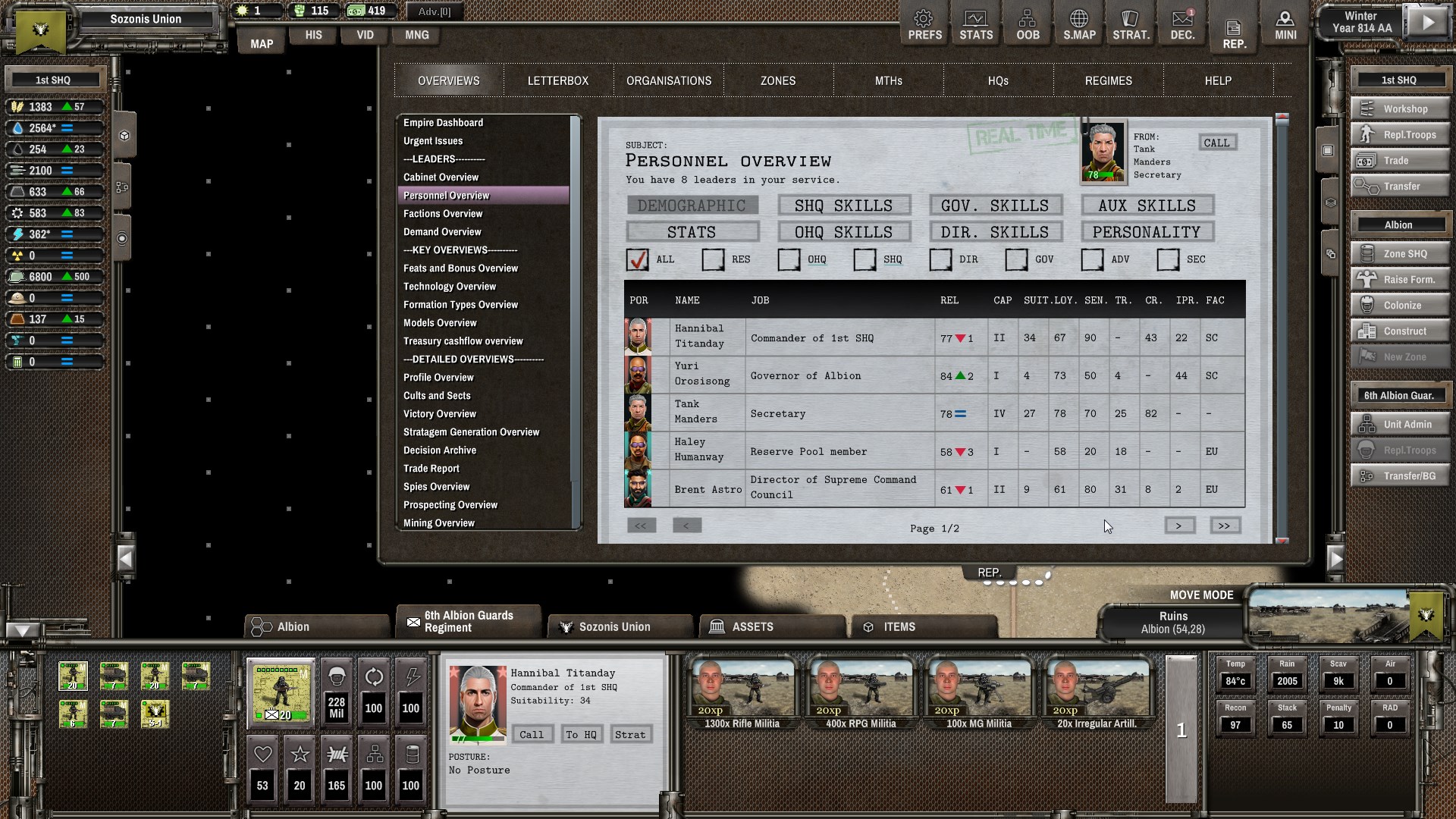
- ShadowEmpire_uU0ngNBMEu.jpg (615.44 KiB) Viewed 511 times
(Note also what happens on the right to the Personnel table, which seems to have been implemented well - you can also scroll down to see flavour text "Yours Faithfully, <secretary>", but the layout seems to adapt to have the maximum number of Leader lines on the screen !)
See also this suggestion :
fibol wrote: Mon Sep 04, 2023 9:44 am
[...]
- Fill out the frame with scrollable lists: The item selection list on the left of the REP. window is a bit shorter than the report panel on the right. If you fill up to the edge of the frame 2-3 more items can probably be made visible without scrolling. These 2-3 items are so often the reason I have to use the scrollbar it is very vexxing, please just use that space.
[...]