Page 1 of 2
First screenshot of my project
Posted: Fri Apr 15, 2022 9:42 am
by NickGen
Hi,
Here is a first screenshot of my project,
I must say that the editor is quite pleasant to use
when you start to master it.

I created new icons for the bridges, too bad
that the engine automatically scales the icons, I would have liked
let them be smaller
Re: First screenshot of my project
Posted: Fri Apr 15, 2022 3:35 pm
by kevinkins
Nice bridges. Where did the underlying map come from is that a mod or import.
Kevin
Re: First screenshot of my project
Posted: Fri Apr 15, 2022 5:52 pm
by NickGen
kevinkins wrote: Fri Apr 15, 2022 3:35 pm
Nice bridges. Where did the underlying map come from is that a mod or import.
Kevin
Thank you, I wanted to make icons a little more "modern",
I intend eventually to redo almost all the graphics
This is a map I made for my mod project, which will be a cold war mod
Re: First screenshot of my project
Posted: Fri Apr 15, 2022 6:41 pm
by Saint Ruth
For the bridges what you could try is make the image bigger but the pic the same size (so that it only occupies e.g. 75% or of the image). I think it might then look smaller then.
Nice. Keep us informed of how you're getting on!
Cheers,
Brian
Re: First screenshot of my project
Posted: Fri Apr 15, 2022 10:59 pm
by NickGen
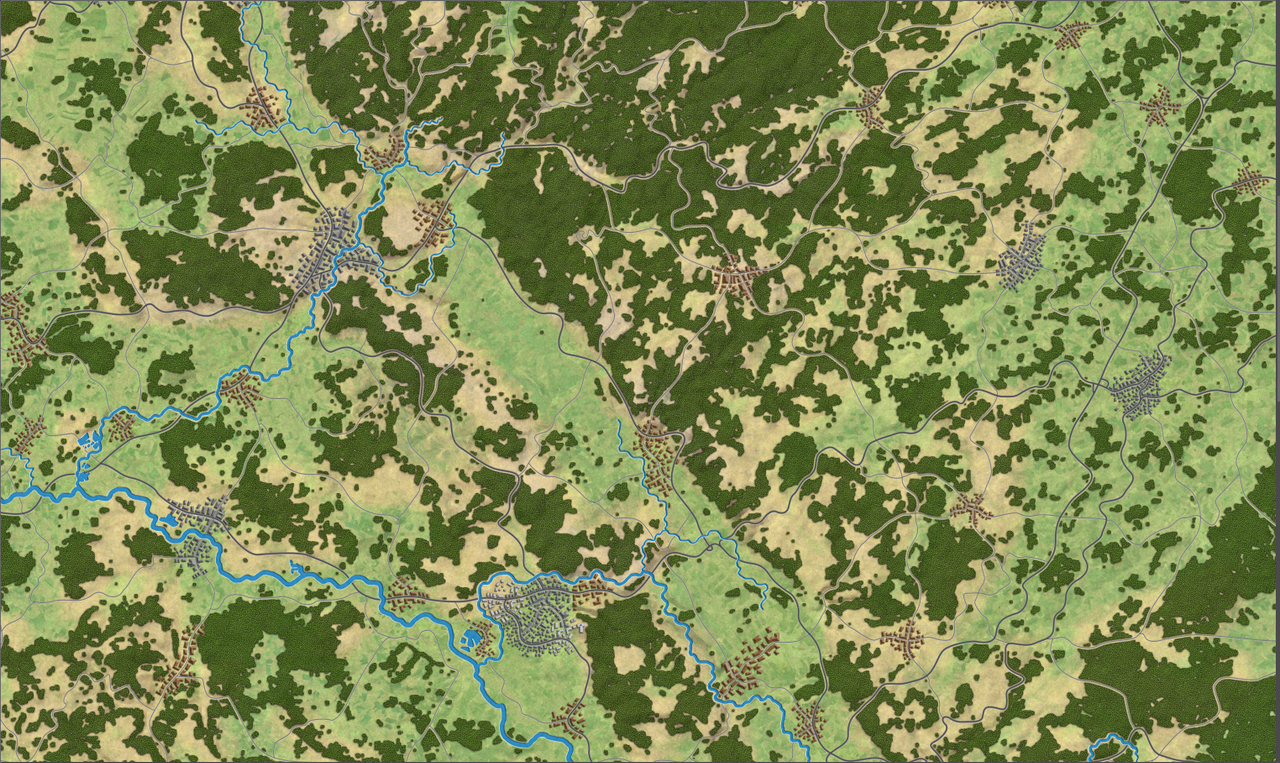
here is a screenshot of a larger part of the map
Re: First screenshot of my project
Posted: Sat Apr 16, 2022 3:43 am
by governato
my understanding is that the engine rescales every image/tile to the same proportions of the basic tiles (I think they are 150x173) so whatever fraction of your tile your "bridge/other object" takes then it will be the same once rescaled.
(say you have a 300x346px tile with a bridge that is 100x100 then your bridge will be 50x50 in the game so it will take a about 1/3 of an hex. I think...
Re: First screenshot of my project
Posted: Sat Apr 16, 2022 1:43 pm
by kevinkins
I lot of detail in the map. Are the tiles part of the mod you are working on? There is a nice gradient of terrain between hexes. If so, the tiles might be cool for designers to use now especially in more wooded sectors.
Kevin
Re: First screenshot of my project
Posted: Sat Apr 16, 2022 2:34 pm
by NickGen
kevinkins wrote: Sat Apr 16, 2022 1:43 pm
I lot of detail in the map. Are the tiles part of the mod you are working on? There is a nice gradient of terrain between hexes. If so, the tiles might be cool for designers to use now especially in more wooded sectors.
Kevin
No, sorry,
for the moment the editor tiles
are unchanged, I created the map by hand,
it is a single map.
I think it might be possible
to modify the tiles, but for that, I have to understand
exactly how the transitions system works
between the tiles.
Re: First screenshot of my project
Posted: Sun Apr 17, 2022 11:38 am
by NickGen
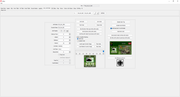
First test of unit counter :
I didn't have it easy, but I think
I finally figured out how it works.
Re: First screenshot of my project
Posted: Tue Apr 19, 2022 4:25 pm
by Saint Ruth
Nice!
Re: First screenshot of my project
Posted: Tue Apr 19, 2022 5:44 pm
by NickGen
Thanks,
I am in the process of creating the new icons and
new pictures for the usa, but i find it hard to do
recognize new units in the editor.
if I just replace the image of an existing icon,
it works fine, but if i want to create a totaly new icon,
it dont work.
during my tests, I discovered that the name of the icons
must follow certain naming rules:
"hq_0" (or "hq_1") must exist, and if I understood correctly, there must be only one
("hq_0_1" for example does not seem to be recognized).
armor must start with "armd_", infantry with "inf_" , air defense with "aa_" and so on...
there also seems to be a naming link between the icons and the unit pictures ?
It would be very useful if one day you had the time to do a little
explanation of the possibilities and restrictions when you want to create
new units.
the ideal would be to be able to choose the icon of each unit as i can do for the picture of each unit.
sorry for this long text...
I hope this is understandable.
Re: First screenshot of my project
Posted: Wed Apr 20, 2022 6:53 pm
by Saint Ruth
Hi,
For the Unit Type Pic (in the "Army Table" Tab), if you pick say "arty_803" for the allies (side 1 -> army1), then
The picture (that appears on the right hand display) is unitIcons/picsArmy1/arty_803
the counter picture icon is - unitIcons/army1/arty_803
the small (zoomed out) icon is - unitIcons/army1/arty_s_803
The NATO icon is unitIcons/nato/arty_803
If those aren't present, it'll use the e.g. unitIcon/nato/arty icon
Don't separate them with underscores "_" as it splits the name up using underscores, so for hq_0_1, it losses the "_1"
So if you add a new arty_900 it should work.
Any other questions, shout!
Cheers,
Brian
Re: First screenshot of my project
Posted: Wed Apr 20, 2022 9:12 pm
by NickGen
Saint Ruth wrote: Wed Apr 20, 2022 6:53 pm
Hi,
For the Unit Type Pic (in the "Army Table" Tab), if you pick say "arty_803" for the allies (side 1 -> army1), then
The picture (that appears on the right hand display) is unitIcons/picsArmy1/arty_803
the counter picture icon is - unitIcons/army1/arty_803
the small (zoomed out) icon is - unitIcons/army1/arty_s_803
The NATO icon is unitIcons/nato/arty_803
If those aren't present, it'll use the e.g. unitIcon/nato/arty icon
Don't separate them with underscores "_" as it splits the name up using underscores, so for hq_0_1, it losses the "_1"
So if you add a new arty_900 it should work.
Any other questions, shout!
Cheers,
Brian
Thanks Brian,
With your explanations,
I understood how does it work.
Now I'm creating all the Nato HQ
soon screenshots...
Re: First screenshot of my project
Posted: Thu Apr 21, 2022 4:31 am
by bcgames
Curious to see where this is going. Keep it up.
Re: First screenshot of my project
Posted: Thu Apr 21, 2022 7:52 pm
by NickGen
Hi all,
Here are some screenshots of the progress of my project.
Disregard unit values, it's not definitive at all.
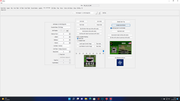
some unit in editor
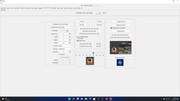
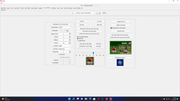
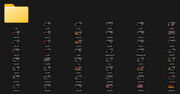
all unit icons completed
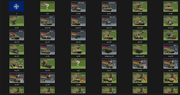
some of the units pictures
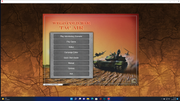
and finally the UI
to Brian : "it would be interesting to be able to create new types of units (among others helicopter and Sam)"
Re: First screenshot of my project
Posted: Fri Apr 22, 2022 12:43 am
by Ichili
Tac Air? As in Avalon Hill's Tac Air? I love that game. I bought Danube Front just to play its Scenario # 12 on it. Great idea and a great looking project so far!
Re: First screenshot of my project
Posted: Fri Apr 22, 2022 2:22 am
by Rosseau
This is nothing short of ambitious - and great looking so far.
Thanks! This game will be even more amazing with mods like this.
Re: First screenshot of my project
Posted: Fri Apr 22, 2022 8:39 am
by NickGen
Ichili wrote: Fri Apr 22, 2022 12:43 am
Tac Air? As in Avalon Hill's Tac Air? I love that game. I bought Danube Front just to play its Scenario # 12 on it. Great idea and a great looking project so far!
Yes it's him

Closer to the original,
within the current limitations of the game engine and editor.
but i thought to extend the game to other theaters, regions (fulda, nuremberg...)
Re: First screenshot of my project
Posted: Fri Apr 22, 2022 1:43 pm
by Ichili
Excellent! Everything looks great, map and unit graphics. It will be an outstanding mod.
I still have the board game and played it a few times. In my experience with the original game and Danube Front, the Soviet attack from the east has more chances of success than the one from the north.
I am looking forward to play your version.
Re: First screenshot of my project
Posted: Sat Apr 23, 2022 2:40 am
by Rosseau
I figured I'd check Danube Front and guess it is this scenario: #850610_12_Schweinfurt
Seems like an excellent choice and quite playable. Some of those old HPS/WDS battles can get pretty huge!
If that's the right scenario, I was wondering how the air component relates to AH's Tac Air game, which I don't have. There doesn't seem to be a lot of air assets in the game - but maybe enough.
