Page 1 of 1
Thumb Nails
Posted: Mon Apr 18, 2022 2:38 pm
by kevinkins
When you select a scenario, a small picture of the map and basic scheme of maneuver is displayed. Anyone know how to create one? They seem to have a standard format.
Thanks
Kevin
Re: Thumb Nails
Posted: Tue Apr 19, 2022 4:23 pm
by Saint Ruth
Hi, it's just the name of the scenario name with "_tbh" added:
so for scenario "07_23_42_Sixth Army Strikes", the thumbnail is "07_23_42_Sixth Army Strikes_thb.
You don't have to do anything other than put an image in the map dir with the correct name.
Cheers,
Brian
Re: Thumb Nails
Posted: Wed Apr 20, 2022 2:13 pm
by kevinkins
I thought that was the case and will try again.
Re: Thumb Nails
Posted: Sat Apr 23, 2022 1:27 pm
by kevinkins
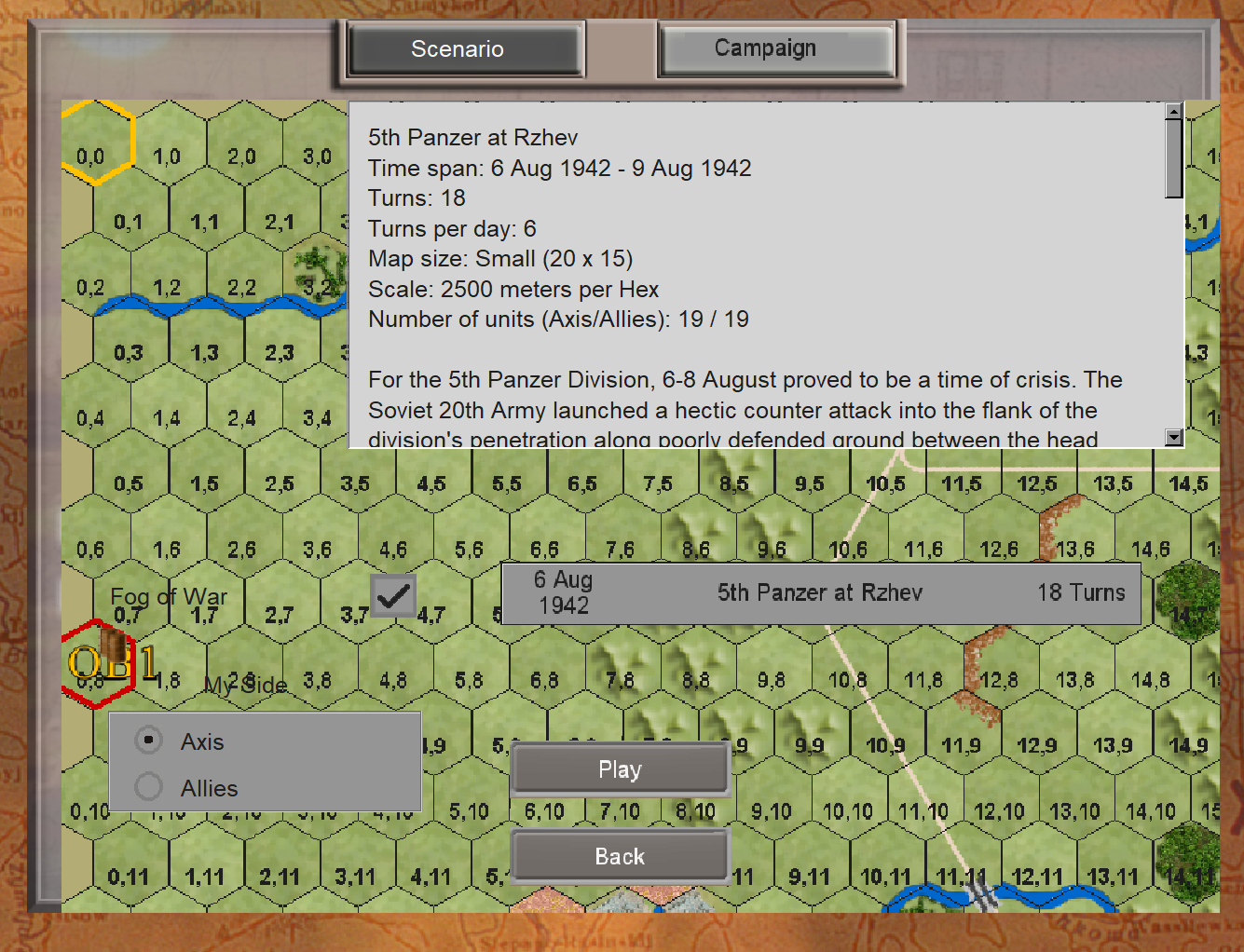
Hi Brian, is there a one-to-one correlation between thumbnail files and map files? That is, every thumbnail has a larger map file to work off of. Do you need to resize your screen shot? When I rename a map screenshot, the result is too large to display against the scenario menu in the game. See below. None of the map files have arrows or frontlines drawn on them. So, some additional processing must be needed to use a screen shot of a user made scenario map and convert it into a thumbnail like we see in the game.
- Screenshot 2022-04-23 092338.png (784.56 KiB) Viewed 2670 times
Re: Thumb Nails
Posted: Sat Apr 23, 2022 10:17 pm
by bcgames
The map thumbnail is created automatically. It is always 220 pixels wide. It does not have anything on it--it's just a thumbnail of the map. For example, the auto-generated thumbnail for Sixth Army Strikes looks like this:
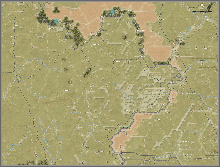
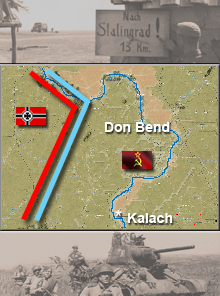
I created the thumb you see in the game by using the auto-generated map thumb, adding flags, photos, text and drawing lines that represent the front lines using PhotoShop. The final image is 220 pixels x 296 pixels.
Re: Thumb Nails
Posted: Sun Apr 24, 2022 1:15 am
by bcgames
Your results gave me an idea for a graphics mod. We’ll see what happens.
Re: Thumb Nails
Posted: Sun Apr 24, 2022 2:45 am
by kevinkins
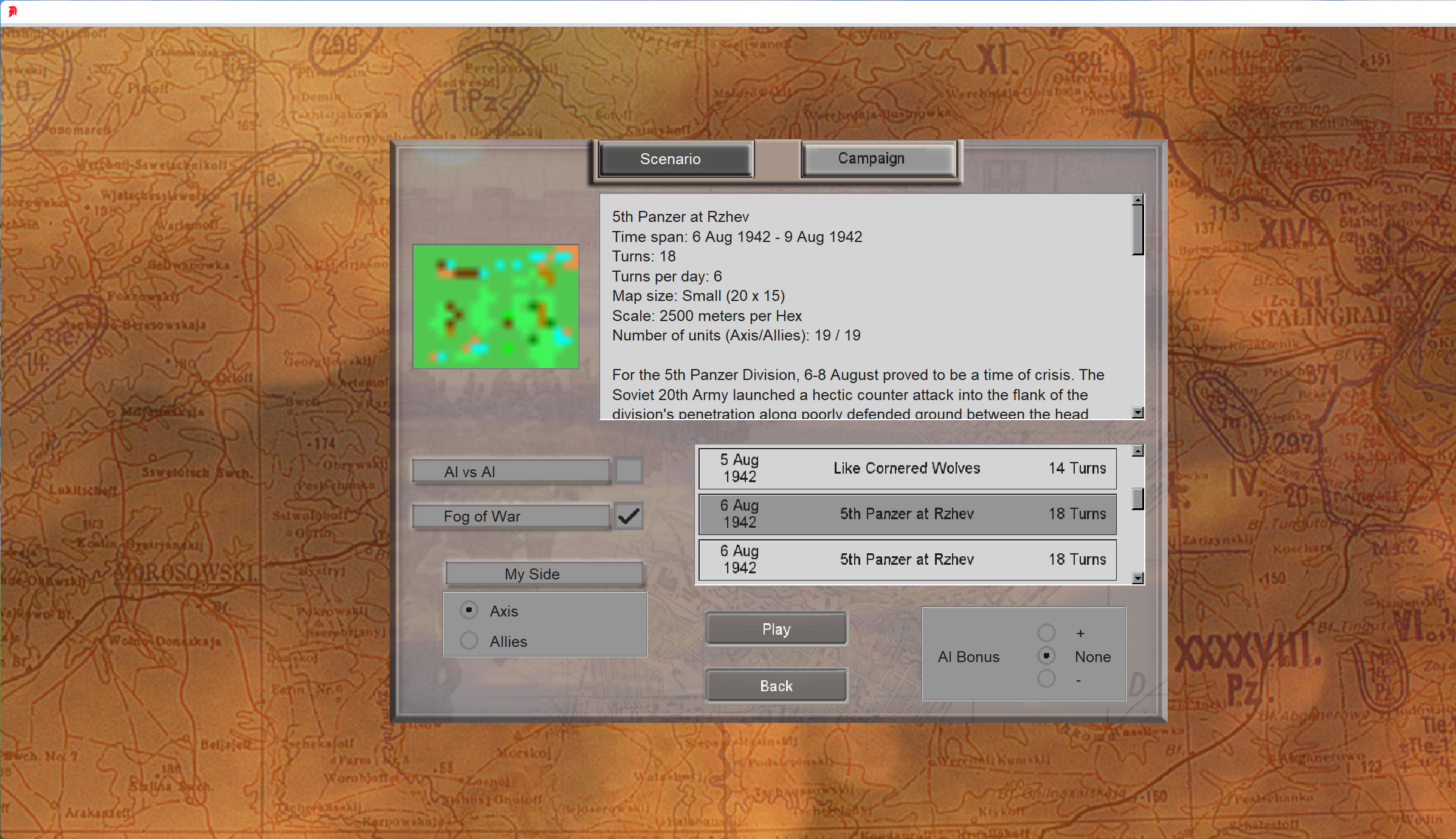
Think I am doing the process correctly, but I get this odd-looking thumbnail.
- Screenshot 2022-04-23 224224.png (3.35 MiB) Viewed 2634 times
Re: Thumb Nails
Posted: Sun Apr 24, 2022 2:51 am
by kevinkins
The thumbnail file in the map folder is 220x 165.
Kevin
Re: Thumb Nails
Posted: Sun Apr 24, 2022 3:42 am
by bcgames
Yep. That's what it looks like when you have a tile-based image map (the default). Ugly ain't it?
Have you created an image map? If so, delete the ugly thumb...then save the scenario again. This should create a new thumb based on your image map.
Re: Thumb Nails
Posted: Sun Apr 24, 2022 6:44 am
by kevinkins
bcgames wrote: Sun Apr 24, 2022 3:42 am
Yep. That's what it looks like when you have a
tile-based image map (the default). Ugly ain't it?
Have you created an
image map? If so, delete the ugly thumb...then save the scenario again. This should create a new thumb based on your
image map.
Of the two methods: Method 1 – Extracting a Map or Method 2 – Create Your Own Map, can one create an "image map" of an area not included in the master maps that shipped with the game? For example, a map around Moscow. Maybe there is a third method: Create a tile only map i.e. "tile-based image map (the default)". Which method produces my odd looking thumbnail and which method allows a designer to have pretty thumbnails? Seems the term image map applies to all methods.
Kevin
Re: Thumb Nails
Posted: Mon Apr 25, 2022 12:58 am
by bcgames
Sorry. I don't understand what you've written here so I'll make a video this week--weather permitting--to show how to create a map and a thumb.
Re: Thumb Nails
Posted: Mon Apr 25, 2022 3:36 pm
by kevinkins
Great, looking forward to that. BTW, I made a map from the Chir River sector of the huge map in the file named Stalingrad_Megamap_GOOD.scn. The map is great but produces the same screwy looking thumbnail. I now think you need to make a map directly from a png image file in order to get a nice looking thumbnail.
Kevin