Page 1 of 1
Icon mishmash? Help!
Posted: Sat Jan 07, 2023 7:43 pm
by Duedman
Hello

I wanted to give WaW another look but somehow the troop icons are all over the place. The Intro Screen even had a WW1 background.
I deleted the Mods folder, I let Steam repair the game data I completely uninstalled and reinstalled twice but it still looks like WW1. The intro screen is back to the WaW Bomber.
If I switch on Nato Counters (which I dont like) most units are still WW1 while Russian units are WW2
How can I fix that?
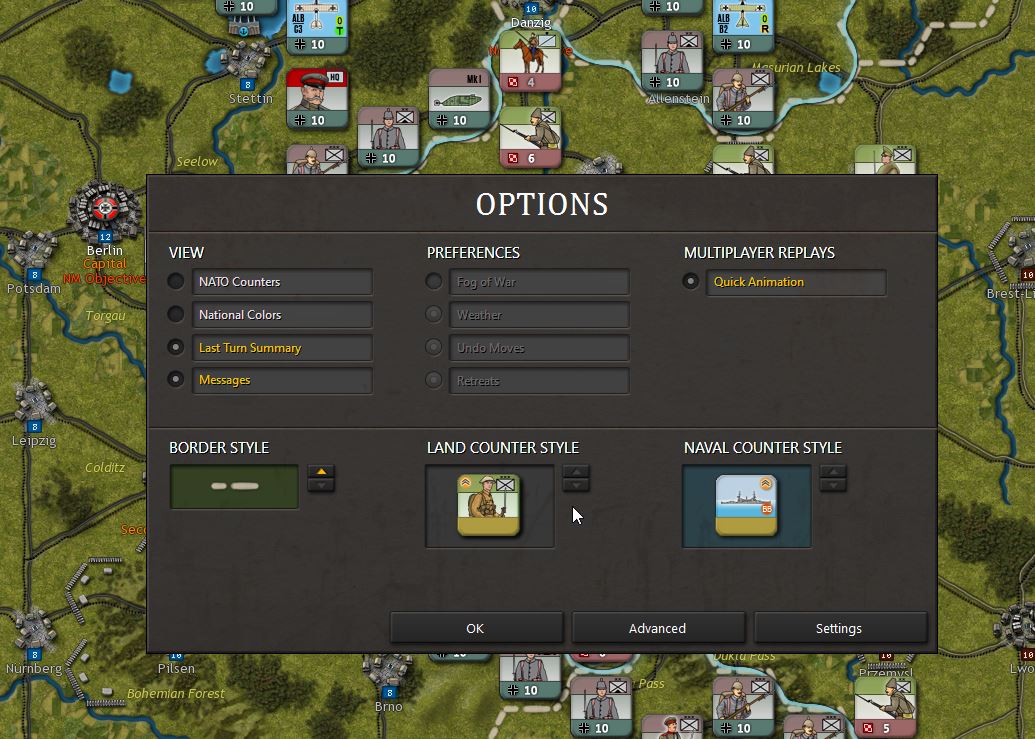
- 2023-01-06 20_55_39-.jpg (153.18 KiB) Viewed 637 times
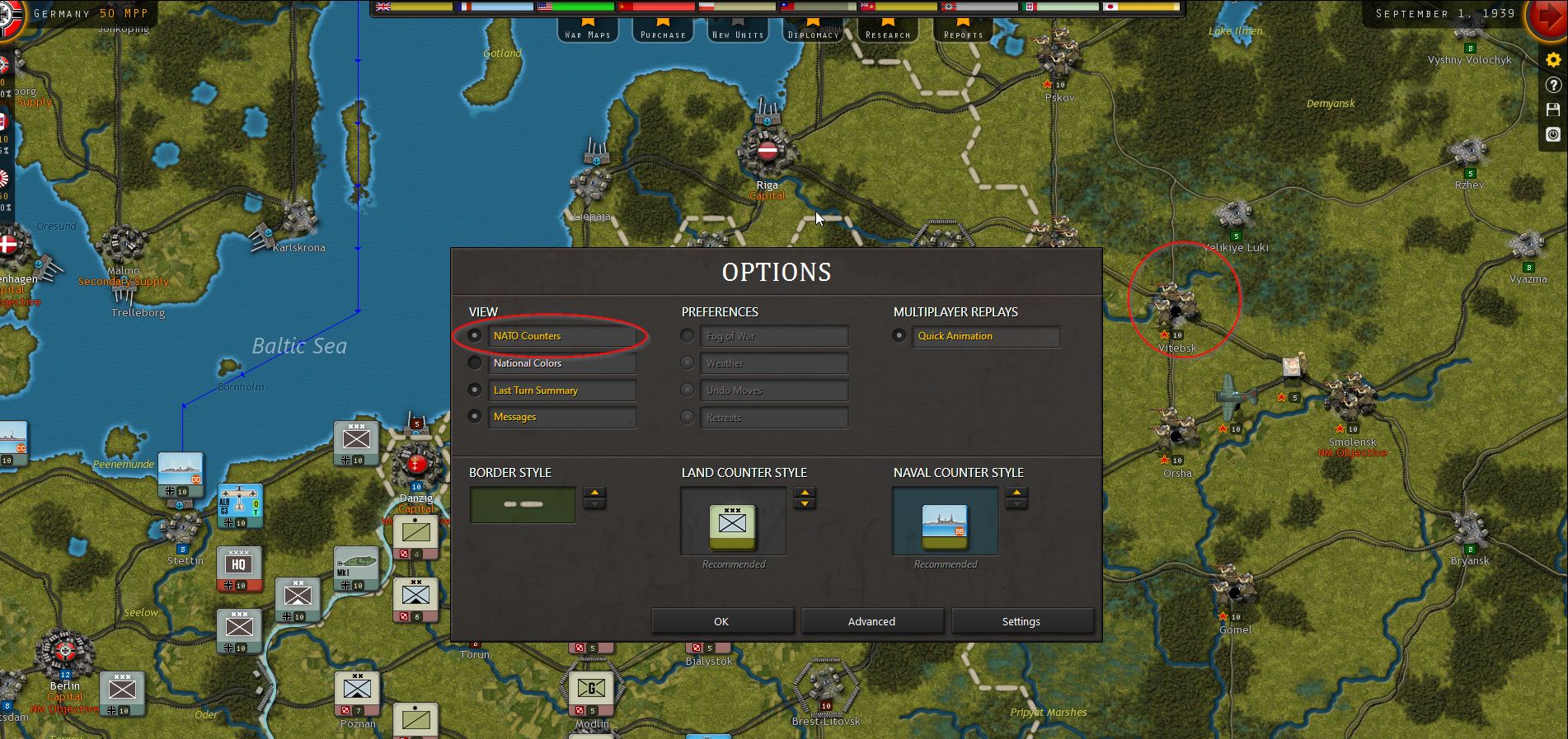
- 2023-01-07 20_40_44-.jpg (355.8 KiB) Viewed 637 times
Re: Icon mishmash? Help!
Posted: Sun Jan 08, 2023 4:21 pm
by BillRunacre
I think you may have a counter Mod enabled?
From the Main Menu if you go to Settings -> Mods you should be able to see any counter Mods that are enabled, and switch them off as desired.
Re: Icon mishmash? Help!
Posted: Sat Jan 14, 2023 10:30 am
by Duedman
BillRunacre wrote: Sun Jan 08, 2023 4:21 pm
I think you may have a counter Mod enabled?
From the Main Menu if you go to Settings -> Mods you should be able to see any counter Mods that are enabled, and switch them off as desired.
Sorry I thought did that already but forgot to mention. Blue Max was still on.
Disabled it and the result is this:
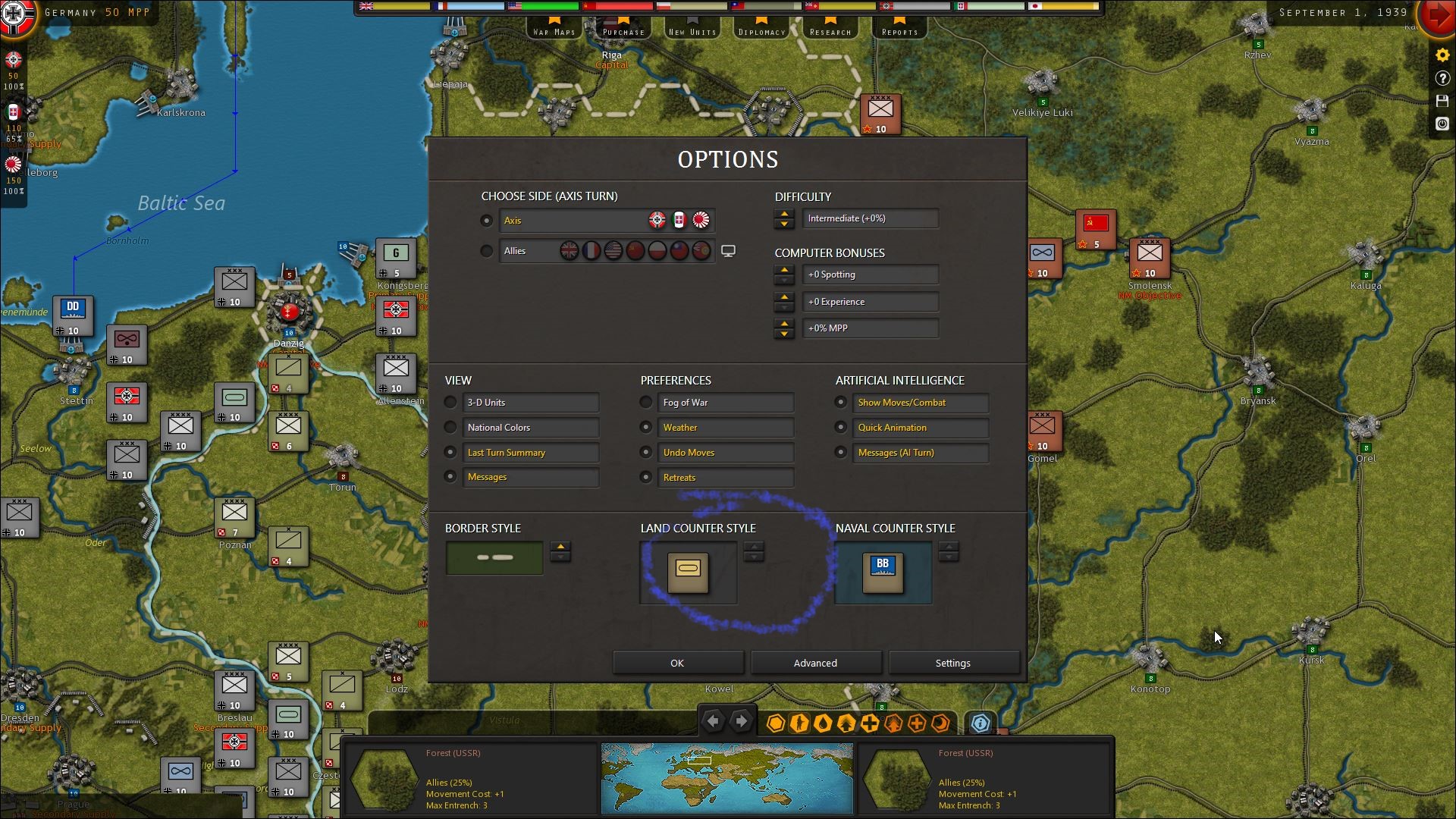
- 2023-01-14 11_06_00-.jpg (583.01 KiB) Viewed 607 times
No option to switch between counter styles.
Made Steam repair again. Still the same. Deinstalled via Steam. Still the same.
Deinstalled via Windows. Same result.
Also WW1 looks like this. No mods. Can only switch between these symbols with or without bottom plate. But those are from the new Franco-Prussian war no?
Also re-installed via Steam to no avail.
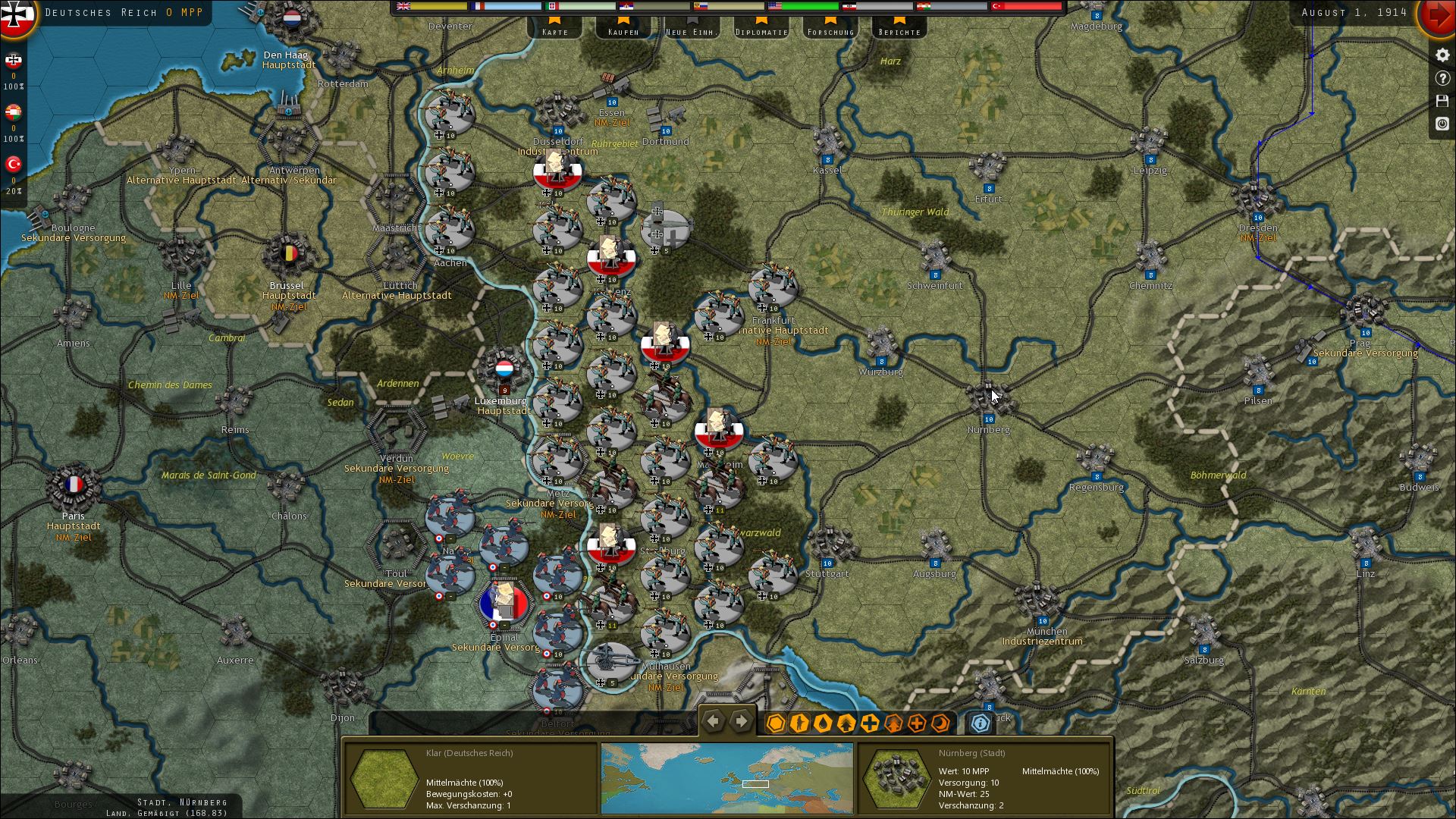
- 2023-01-14 10_53_12-SC3_ WWI v1.09.00.jpg (579.65 KiB) Viewed 607 times
To me it looks as if I am missing some Data when de-installing.
Can you tell me where to find every last bit of it? Or do you have another idea?
Re: Icon mishmash? Help!
Posted: Sun Jan 15, 2023 6:49 pm
by BillRunacre
Hi
The two screenshots you've posted above look correct to me.
In the first, you just have normal NATO counters showing. There is a toggle to switch to 3D at the top left of the Options.
Otherwise, the only way any other NATO counters would show would be by enabling a mod, generally while having NATO counters enabled.
The WWI image is correct, it shows the 1914 uniforms, and not the Franco-Prussian War uniforms.
Re: Icon mishmash? Help!
Posted: Sun Jan 15, 2023 8:54 pm
by Duedman
I'am an idiot. Thank you
