Page 1 of 1
Screen Shot
Posted: Sun Mar 10, 2024 9:41 am
by petedalby
Would someone be kind enough to post some simple instructions on how to take a screen shot and then post it into the forum please? IT incompetent!
TIA.
Re: Screen Shot
Posted: Sun Mar 10, 2024 12:12 pm
by El_Condoro
I use Windows key - Shift - S to open a tool that allows you to take a whole screen, a part of a screen, or a freehand section. It's native to Windows. You then Ctrl-V (Paste) it into a document.
Alternatively, try the Print Screen button (above Insert et al) and paste that into a document or graphics editor.
Re: Screen Shot
Posted: Sun Mar 10, 2024 2:30 pm
by petedalby
Thanks for that. I can manage the Print Screen bit. And I can copy & paste.
But I'm struggling to paste into this forum?
What I am I missing?
Re: Screen Shot
Posted: Sun Mar 10, 2024 2:46 pm
by petedalby
Okay - just found an excellent post from my old sparring partner LoneRunner.
How's this? This is PNG:
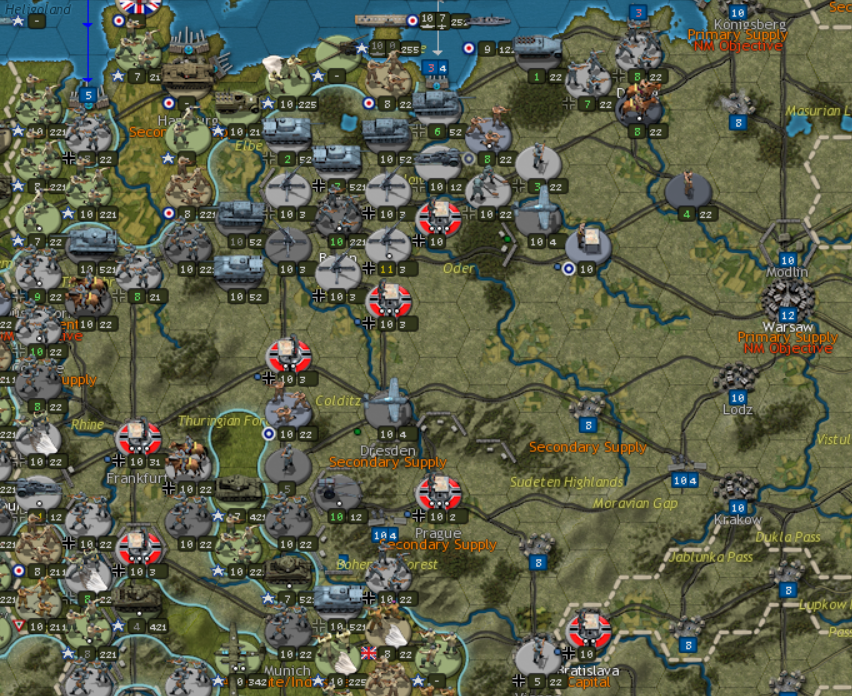
- SCWAW Picture1.png (1.48 MiB) Viewed 657 times
This is JPEG:
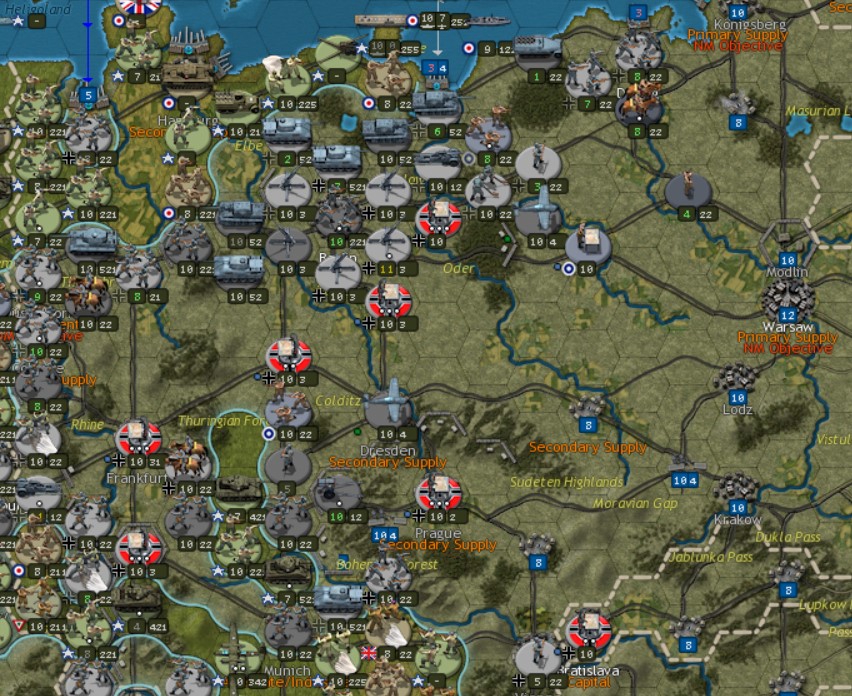
- SCWAW Picture2.jpg (240.56 KiB) Viewed 657 times
Struggling to see much difference myself.
Re: Screen Shot
Posted: Sun Mar 10, 2024 3:12 pm
by Platoonist
petedalby wrote: Sun Mar 10, 2024 2:46 pm
Struggling to see much difference myself.
Other than file size they're pretty much the same.
To get the screenshot onto the forum you have to go to attachments, add the file which will upload it and then place inline which will place it wherever the cursor currently is in the edit post field.