Page 1 of 1
ini files
Posted: Wed Sep 11, 2024 12:33 pm
by Chris21wen
Many games have an ini file which contains various setting when starting up. Does CMO have such a thing? What I specifically want to do is stop placename appearing every time I start a scenario.
Re: ini files
Posted: Wed Sep 11, 2024 12:41 pm
by Nikel
Command.ini is located in the config folder of the game.
Also in the Options, Map Display.
You have options to "Save current map profile as personal" and "Use personal map profile".
Re: ini files
Posted: Wed Sep 11, 2024 12:45 pm
by thewood1
Have you saved your personal map profile in options? Is Placenames on in the View menu? If those are set properly, it should stop place names showing up. I would do that before diving into the ini file.
Re: ini files
Posted: Wed Sep 11, 2024 12:52 pm
by Chris21wen
Thanks I check all that.
Re: ini files
Posted: Wed Sep 11, 2024 12:55 pm
by thewood1
Then you are doing something wrong...
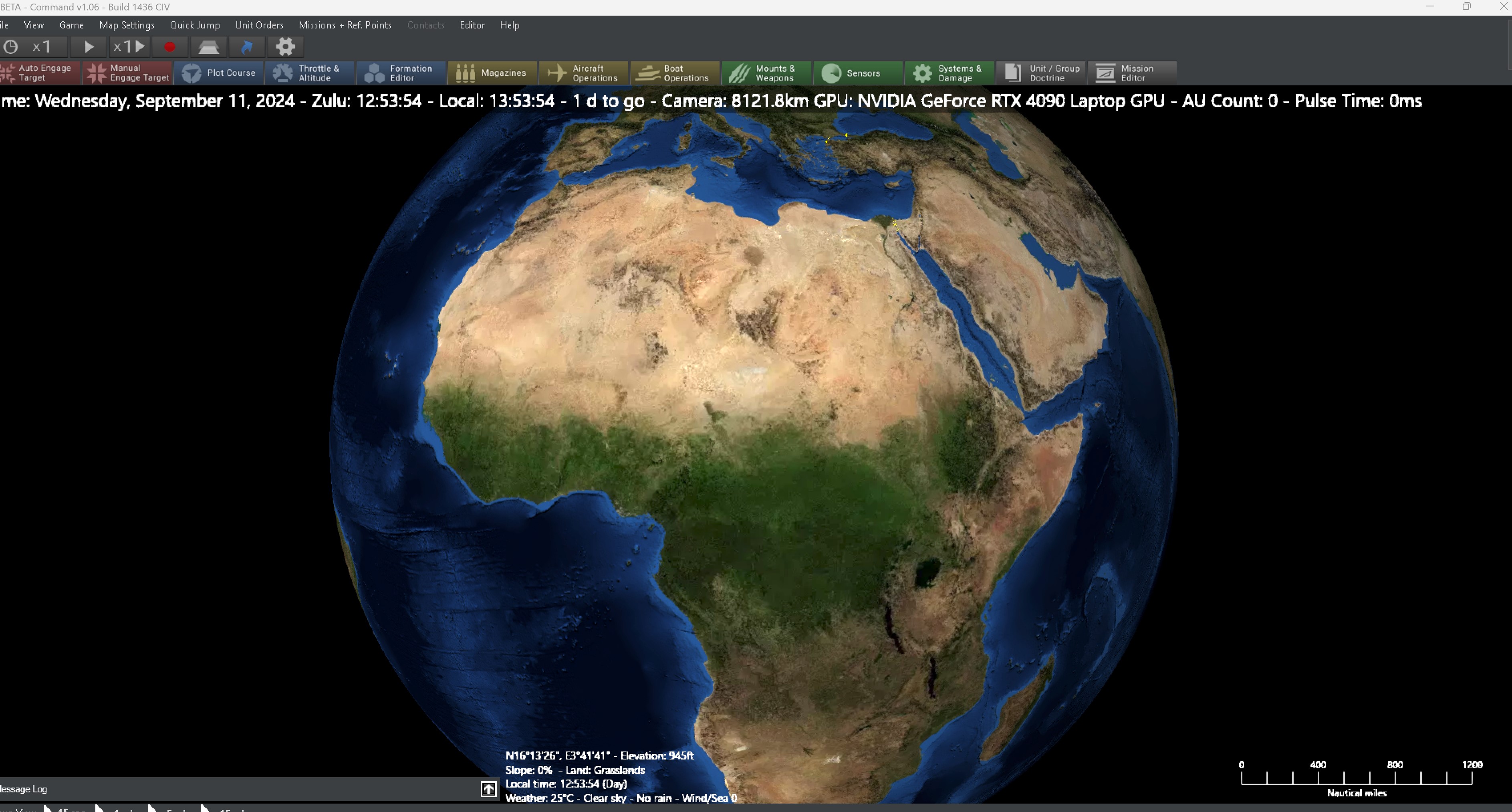
- Screenshot 2024-09-11 085407.jpg (914.92 KiB) Viewed 965 times
Now in opentopo, the names are embedded in the layer so they can't be turned off. Its the main reason I don't use it.
Re: ini files
Posted: Thu Sep 12, 2024 1:05 pm
by Chris21wen
thewood1 wrote: Wed Sep 11, 2024 12:55 pm
Then you are doing something wrong...
Now in opentopo, the names are embedded in the layer so they can't be turned off. Its the main reason I don't use it.
I should have said 'I'll check all that and 'not 'I checked all that'. I have since found it so thanks again.