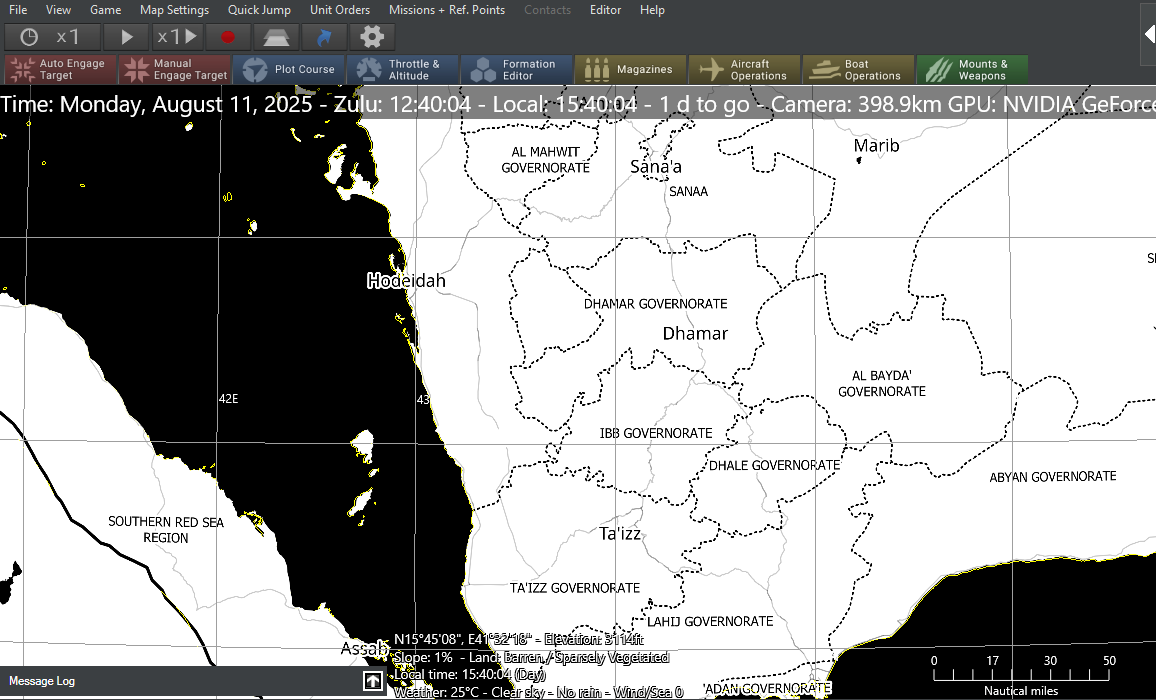
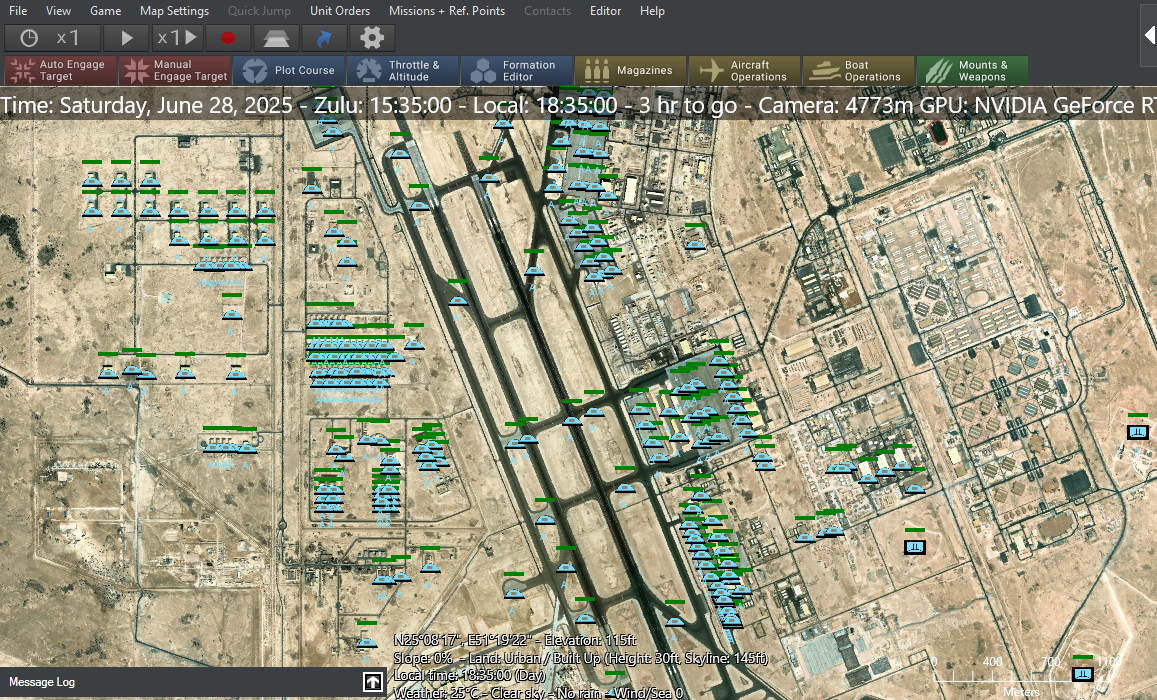
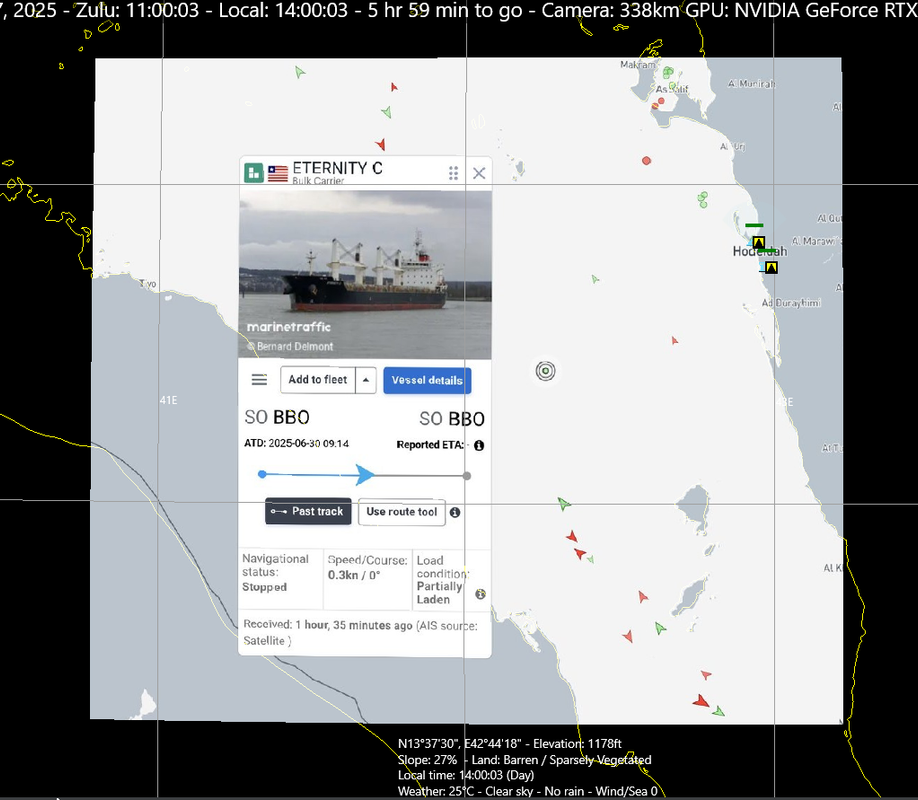
Custom maps, load?
Posted: Tue Jul 22, 2025 5:43 pm
Is there a way to auto load custom layers in a scenario, or the game itself?
Also, 1 toggle button for all would be great.
Also, 1 toggle button for all would be great.
Mark352 wrote: Wed Jul 23, 2025 2:56 am Assuming you have the georeferenced files (an image file and the associated world file) these steps should help you include and load imagery or a custom map at scenario startup. I've experimented with this a few times. From within the scenario editor;
1. Editor>Scenario Attachments
2. In the Scenario Attachment Window be sure Map Overlay (Single Image) is in the selection field and then click on Create new, of type.
3. Navigate to your image file and load it.
4. The file name will appear in the window, select it and see the ObjectID filed in the Properties of selected: pane. It will be something similar to this - 247bd3e5-9368-4642-81be-c2c24e6d1ad9. This is the name of the subfolder (the GUID) in the AttachmentRepo folder under Command - Modern Operations main folder. The AttachmentRepo folder is where scenario attachments are stored.
5. Now that the attachment is created you need to create an Event with a Trigger and Action to load the attachment when the scenario starts.
6. Add the Scenario is Loaded trigger to the event.
7. Now create an action using Lua to load the attachment - ScenEdit_UseAttachment('247bd3e5-9368-4642-81be-c2c24e6d1ad9' )
8. The script accesses the subfolder 247bd3e5-9368-4642-81be-c2c24e6d1ad9 in the AttachmentRepo folder.
9. When the scenario starts (clock running) the attachment will load.
You can execute the ScenEdit_UseAttachment code in the Lua console to make sure it works. If the clock is ticking the attachment will load.
When the attachment is loaded you can see it in the Custom Layer Manager window. In that window you have the option of turning the layer on and off.
Hope this helps some.
Cheers
I'm not aware of any free sources on the Internet that provide free georeferenced maps or imagery so I suspect if the user wants custom overlays the overlays will always have to be created. I use GMAP and QGIS to create custom overlays for CMO.Mgellis wrote: Sat Aug 09, 2025 6:31 pm Total beginner with this kind of thing asks...how do you create the initial georeferenced files? Or do you simply get them automatically when you copy the map overlay from whatever source you get it from? What is the process here?
Yes, you got it. When you add the attachment via the Scenario Attachment window both the image file and the associated world file will be moved to the subfolder that is created. The event trigger is Scenario is Loaded and the action is the Lua script telling CMO to read those files from that subfolder and display the image. ViolaMgellis wrote: Sat Aug 09, 2025 6:31 pm I'm assuming the subfolder you mentioned will include both the image file and the associated world file. Once the Event is triggered, Command will read both files and recreate the map within the scenario. Is this correct?
Thanks in advance for the help!