Page 1 of 2
Spread Sheet
Posted: Tue Feb 03, 2026 9:58 pm
by AlStack
Hi I have created this spreadsheet for my own use. Perhaps it will be helpful for others.
https://drive.google.com/file/d/1JVU1z1 ... sp=sharing
Re: Spread Sheet
Posted: Wed Feb 04, 2026 2:01 pm
by PeteJC
Thanks for sharing. This will come in handy>
Re: Spread Sheet
Posted: Wed Feb 04, 2026 4:35 pm
by AlStack
You are welcome. Hope it helps.
Re: Spread Sheet
Posted: Thu Feb 05, 2026 1:17 pm
by terry1040
Wonderful.

Thanks for sharing.
Terry
Re: Spread Sheet
Posted: Sat Feb 07, 2026 11:31 pm
by melvi
I would suggest once you take the burden to add a column with the "LCU editor slot" that appears if you over your mouse on the IDXXX number of the upper left side of LCUs info screen if you feel like it. Thats the number used in the editor. I mean on the units before you start merging them in bigger units ( that dont have that number iirc). That way you will be helping a fuc.. whole lot to anyone else that comes behind to make mods.
For instance in this unit, overing the mouse on the dark blue circle location.

- LCU editor slot.jpg (661.77 KiB) Viewed 685 times
Regards:
Melvi
Re: Spread Sheet
Posted: Sun Feb 08, 2026 2:01 am
by AlStack
That is easily enough done for anyone who may want that additional information. Thanks for the hint.
Edit: That must be a setting you are using I am unfamilier with.
Re: Spread Sheet
Posted: Sun Feb 08, 2026 6:07 pm
by AlStack
Now that I have given the Nationalists a "Minor Victory" in the tutorial I have a better understanding of how my spreadsheet should be organised. I will make a Tutorial version availabe once I am satisfied with the format.
Re: Spread Sheet
Posted: Sun Feb 08, 2026 8:53 pm
by AlStack
I have updated the spreadsheet. The updated version is:
War in Spain 1936 - 1939 Tutorial Chain of Command
You can find it at:
https://drive.google.com/drive/folders/ ... imFD3gukxA
This versions iillustrates a better command structure. I do not know how this sheet applies to other senarios. I created it for the Tutorial.
Re: Spread Sheet
Posted: Tue Feb 10, 2026 1:09 am
by AlStack
Apparently I did not correctly set up permissions on my Google Drive. Hopefully I have fixed it.
https://drive.google.com/drive/folders/ ... drive_link
Re: Spread Sheet
Posted: Tue Feb 10, 2026 1:39 am
by RangerJoe
You should be able to attach it to a post if it is small enough and you have enough posts.
Re: Spread Sheet
Posted: Thu Feb 12, 2026 4:53 pm
by AlStack
The limited extension types will not allow a spredsheet file to be posted. Thanks for the hint.
Re: Spread Sheet
Posted: Thu Feb 12, 2026 10:30 pm
by RangerJoe
AlStack wrote: Thu Feb 12, 2026 4:53 pm
The limited extension types will not allow a spredsheet file to be posted. Thanks for the hint.
You can change it to a .txt extension and ask people to change it. You can also add .zip type files if they are not too large.
Re: Spread Sheet
Posted: Wed Feb 18, 2026 7:42 pm
by AlStack
I finally got around to working on the extension for my spreadsheet. Hard to mess with tools while I am playing the game.
The orginal format is .ods from LibreOffice Calc. For display here it is .txt it is easily converted into a version you are comfortable with. Thank you RangerJoe.
Pretty sure this works.
Re: Spread Sheet
Posted: Wed Feb 18, 2026 7:51 pm
by RangerJoe
AlStack wrote: Wed Feb 18, 2026 7:42 pm
I finally got around to working on the extension for my spreadsheet. Hard to mess with tools while I am playing the game.
The orginal format is .ods from LibreOffice Calc. For display here it is .txt it is easily converted into a version you are comfortable with. Thank you RangerJoe.
Pretty sure this works.
You are most welcome.
Re: Spread Sheet
Posted: Wed Feb 18, 2026 7:51 pm
by RangerJoe
AlStack wrote: Wed Feb 18, 2026 7:42 pm
I finally got around to working on the extension for my spreadsheet. Hard to mess with tools while I am playing the game.
The orginal format is .ods from LibreOffice Calc. For display here it is .txt it is easily converted into a version you are comfortable with. Thank you RangerJoe.
Pretty sure this works.
You are most welcome.
Re: Spread Sheet
Posted: Fri Feb 20, 2026 5:42 pm
by melvi
Hello AIStack,
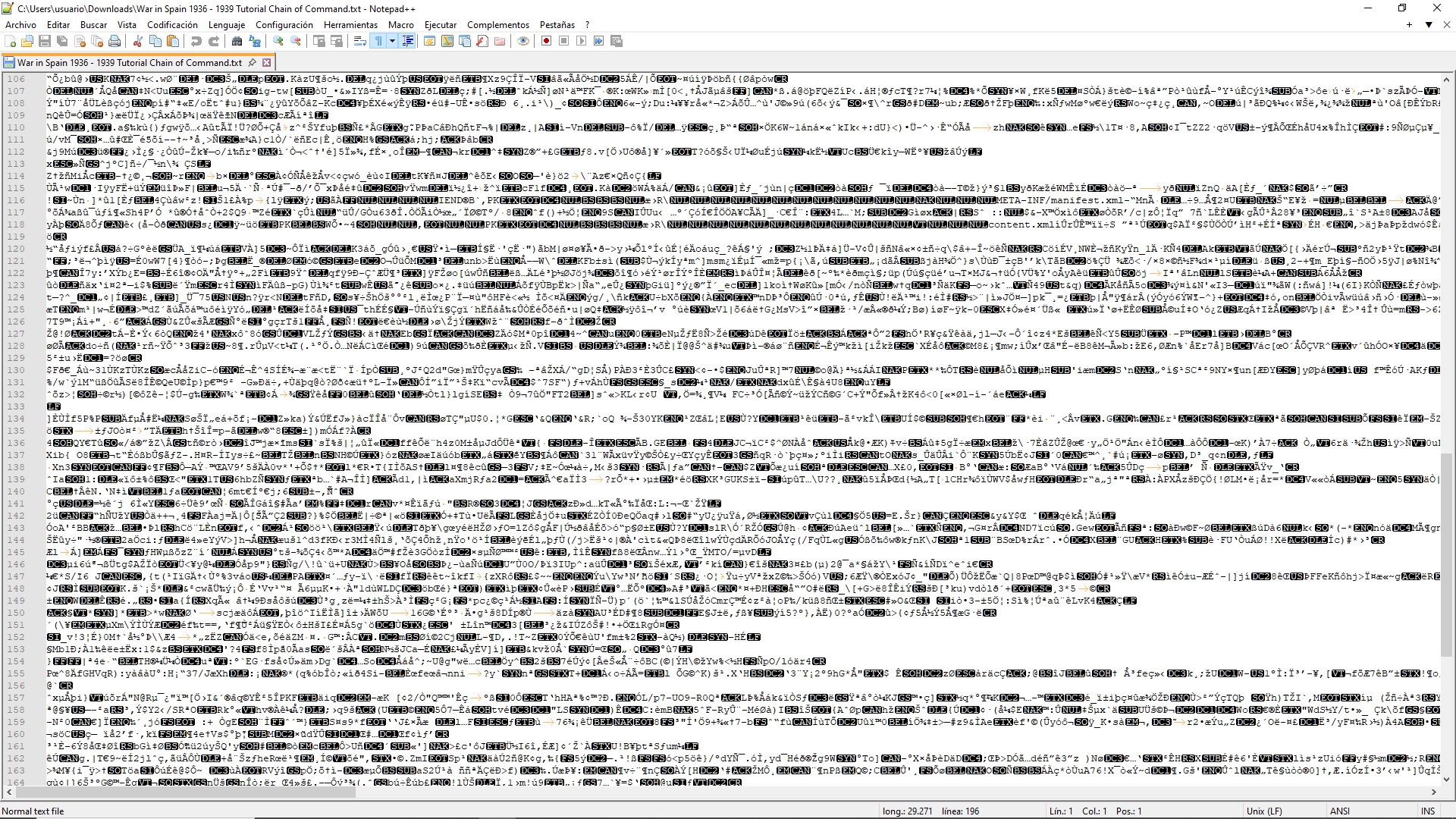
I downloaded the file you attached to your post but when i try to open it with the notepad ++ program this is what i see...
- wrong format.jpg (1.32 MiB) Viewed 256 times
Is it supposed to be a .txt file, right? i should be able to open it with notepad ++ and "see" something with more sense, right?
Have you tried to download the file you attached to your own message and check what you see if you open it?
Regards:
Melvi
Re: Spread Sheet
Posted: Fri Feb 20, 2026 9:46 pm
by RangerJoe
melvi wrote: Fri Feb 20, 2026 5:42 pm
Hello AIStack,
I downloaded the file you attached to your post but when i try to open it with the notepad ++ program this is what i see...
wrong format.jpg
Is it supposed to be a .txt file, right? i should be able to open it with notepad ++ and "see" something with more sense, right?
Have you tried to download the file you attached to your own message and check what you see if you open it?
Regards:
Melvi
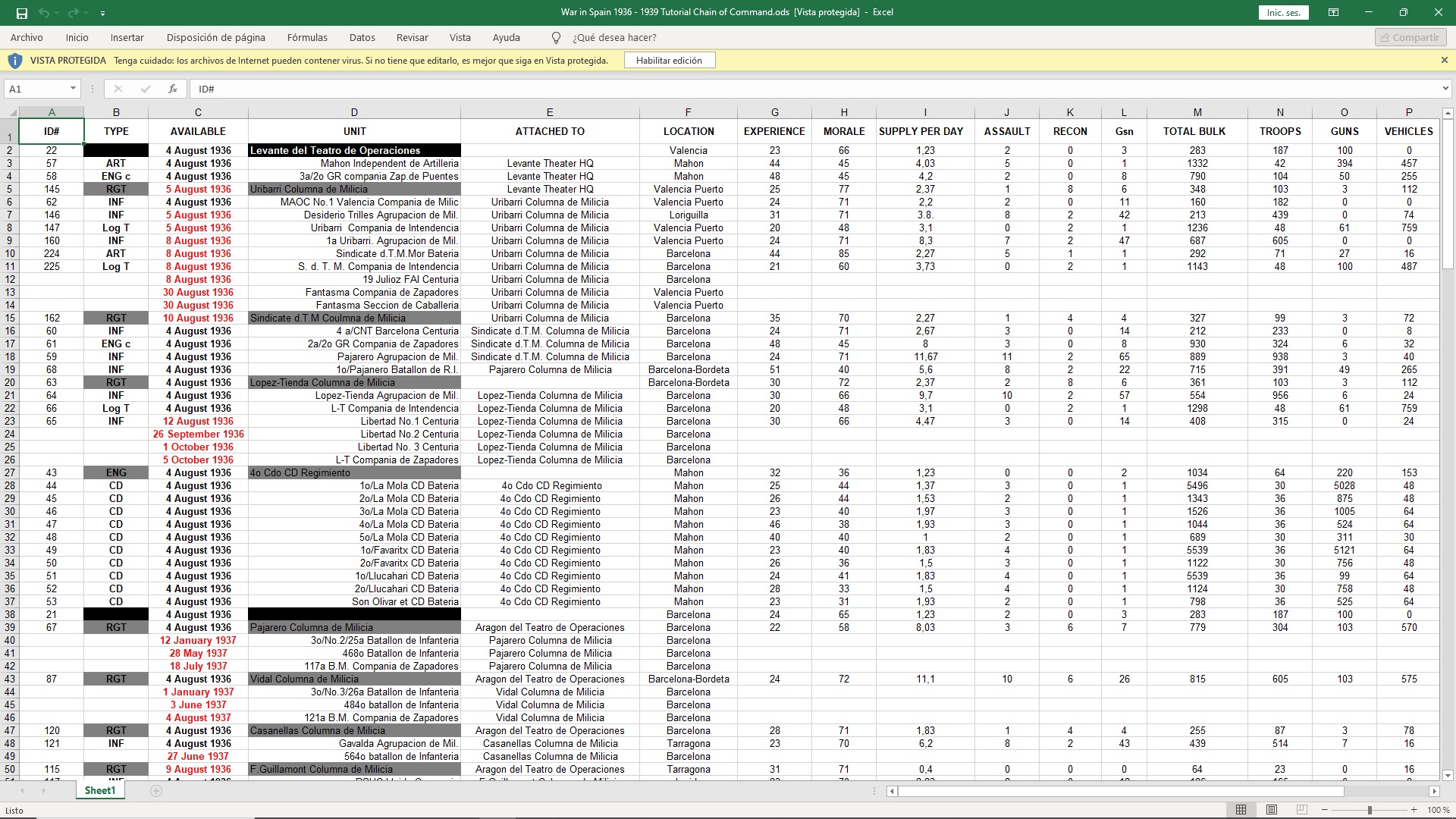
You need to change the .txt to dot .ods which is for the Libre Office spreadsheet program. Windows Excel can also open it.
Re: Spread Sheet
Posted: Fri Feb 20, 2026 9:58 pm
by melvi
Much,much,much better. Thankee Joe.
- wrong format02.jpg (820.02 KiB) Viewed 240 times
Regards:
Melvi
Re: Spread Sheet
Posted: Sat Feb 21, 2026 11:19 am
by RangerJoe
melvi wrote: Fri Feb 20, 2026 9:58 pm
Much,much,much better. Thankee Joe.
wrong format02.jpg
Regards:
Melvi
You are most welcome.
Re: Spread Sheet
Posted: Sun Feb 22, 2026 8:22 pm
by AlStack
Guess I was not clear about changing from .txt to .ODS or .xls.
Thanks for the clarification!