Page 1 of 1
[1900.23] Add reference point at... offset
Posted: Wed Nov 04, 2026 8:47 pm
by Knightpawn
Using 'Add RF at...' places an RP at an offset of the input coordinates (of a magnitude of a few decimals of the degree.)
[no need for save]
1. Open the map
2 Place an RP anywhere
3 Take note of the coordinates
4. Do 'Add reference point at..' and input the coordinates under 3
5. Notice where the new RP appears
Re: [1900.23] Add reference point at... offset
Posted: Thu Nov 05, 2026 3:28 pm
by Knightpawn
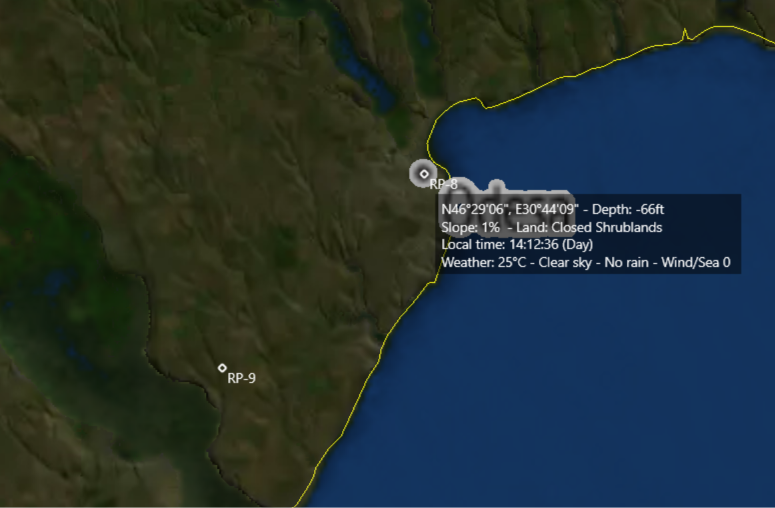
To Illustrate
If you create an RP with the hovering coordinates of RP 8 you get the RP 9
- Screenshot 2026-11-05 172655.png (294.63 KiB) Viewed 47 times
Re: [1900.23] Add reference point at... offset
Posted: Thu Nov 05, 2026 4:09 pm
by Nikel
What's the distance between them?
Re: [1900.23] Add reference point at... offset
Posted: Thu Nov 05, 2026 4:28 pm
by Knightpawn
Nikel wrote: Thu Nov 05, 2026 4:09 pm
What's the distance between them?
20 nm more or less
Re: [1900.23] Add reference point at... offset
Posted: Thu Nov 05, 2026 5:15 pm
by Nikel
Ok, I will test.
Re: [1900.23] Add reference point at... offset
Posted: Thu Nov 05, 2026 5:27 pm
by Nikel
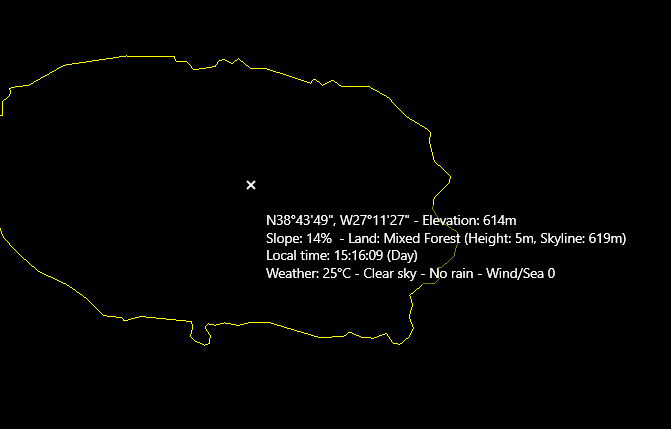
I did not transform the coordinates into decimal format.
- RP1.png (5.89 KiB) Viewed 17 times

- RP2.png (4.86 KiB) Viewed 17 times
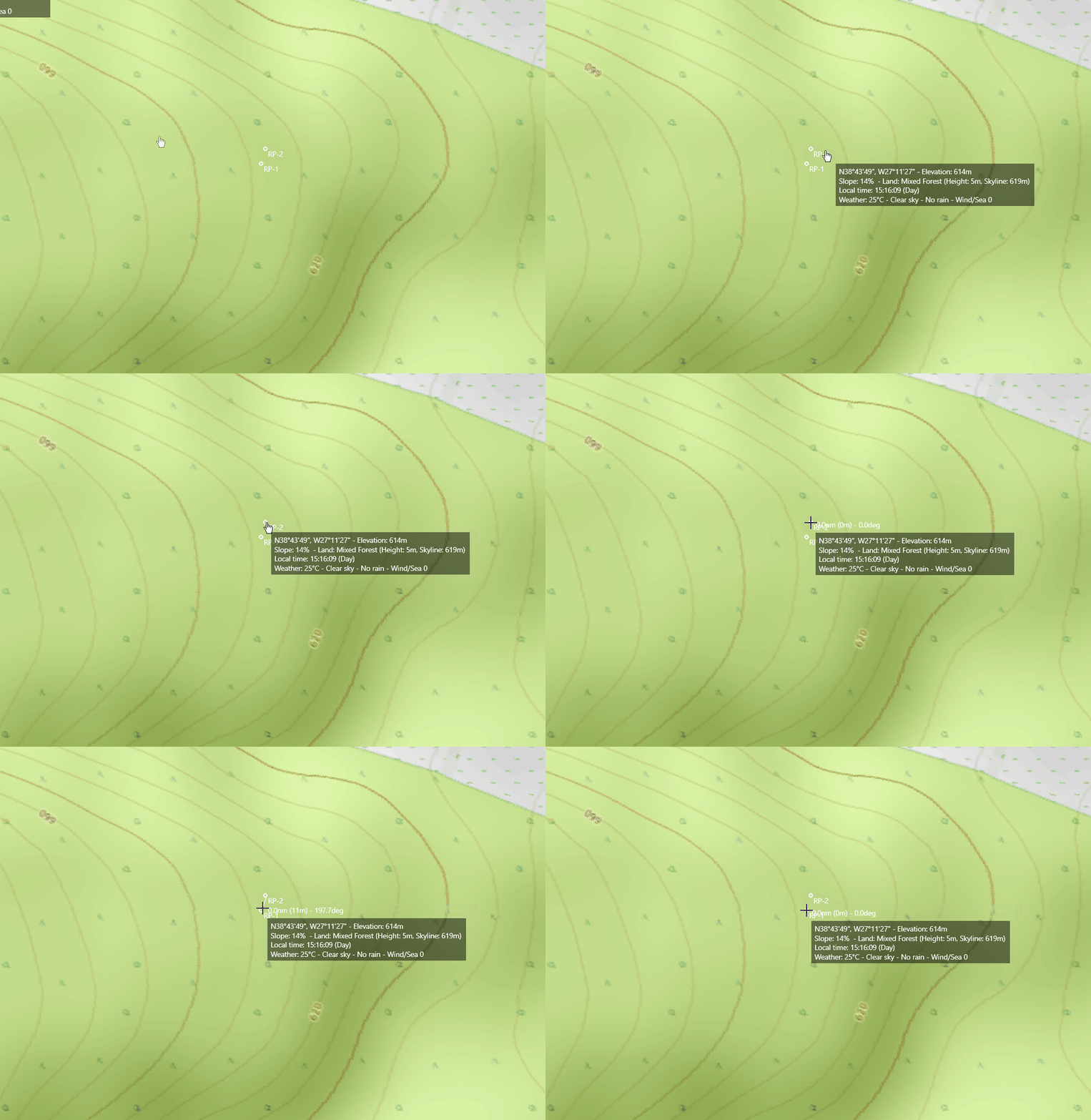
The distance in this test is 11 m or 0,00593952 nm. This must be the resolution of CMO.
How do you get 20 nm?
- RPD.gif (507.29 KiB) Viewed 17 times