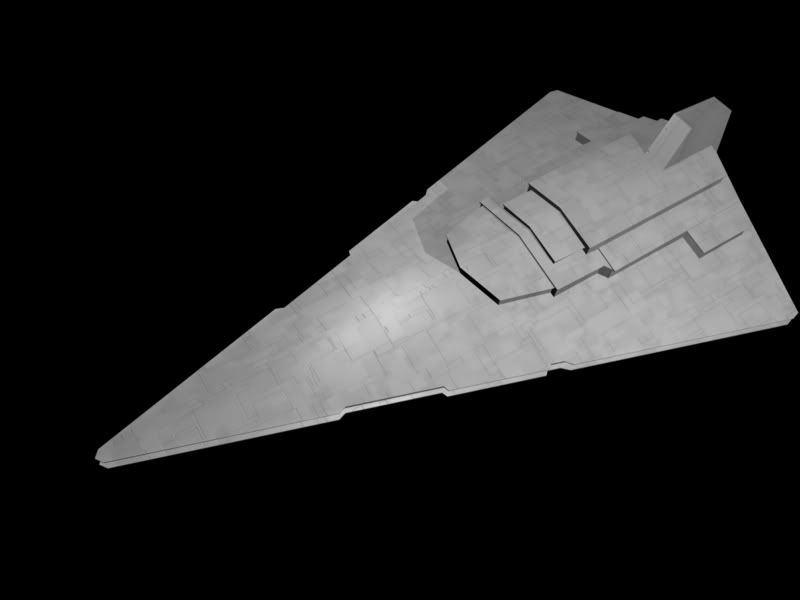
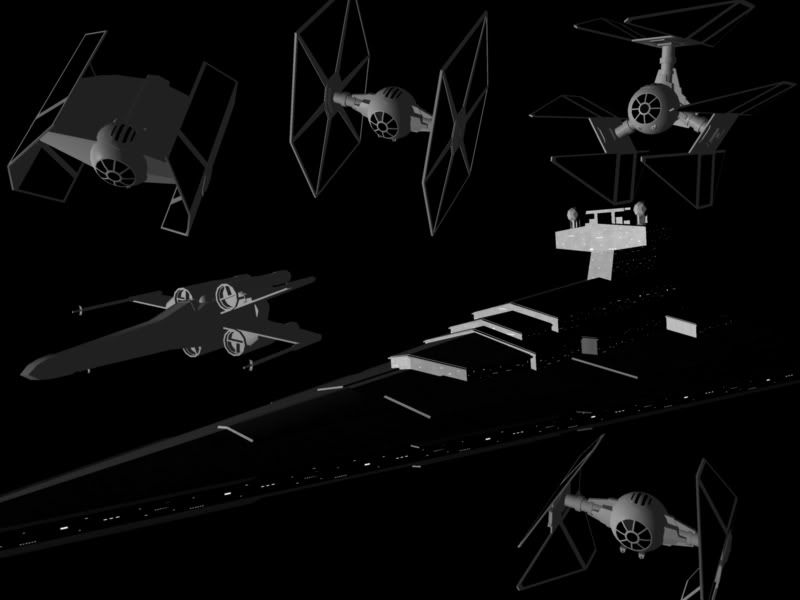
What program did you build it in, and let me take a guess here: it's in .3DS format?
I use Anim8or for all modeling, and one thing I've found with it is this: anim8or will export models in 3DS format, but then when putting it into a game or Ultimate Unwrap (the texturing program I use), the model appears backwards.
I say "appears backwards" because it's actually more complicated than that - you can rotate the model 180 degrees and it "appears" fixed, but then in Ultimate Unwrap the front and back, top and bottom views are correct, but left and right are still reversed. On a physical object in the real world, this should be an impossibility. It's almost as if the model gets turned inside out or something.
However, turning it 180 degrees at the source will cause it to look right in-game. You may have to take your texture map and flip that as well before importing to Magic and it should line up right.
If your program can export as an .OBJ (wavefront) file, try that instead. You get less weirdness in the translation. However, you may need to download Magic 1 rather than Magic 2 to import it, Magic 2 seems to not import .OBJ files exported from Anim8or. However, if you're using something besides Anim8or, this may not be an issue for you.
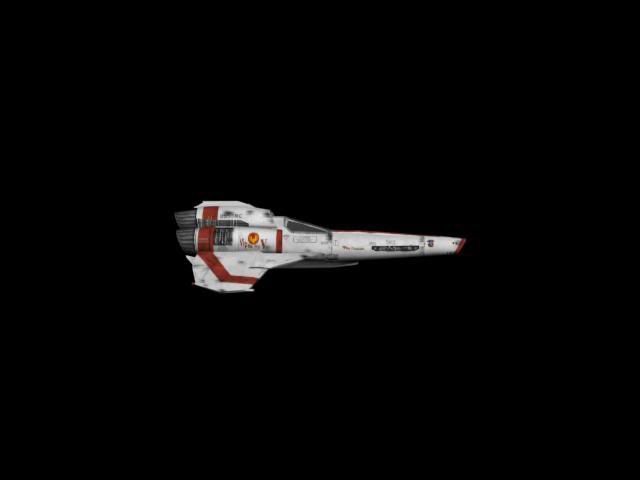
I'd also be happy to fix your ship for you (nice looking viper, by the way).
Olias7@Ameritech.net if you want to send it over here.


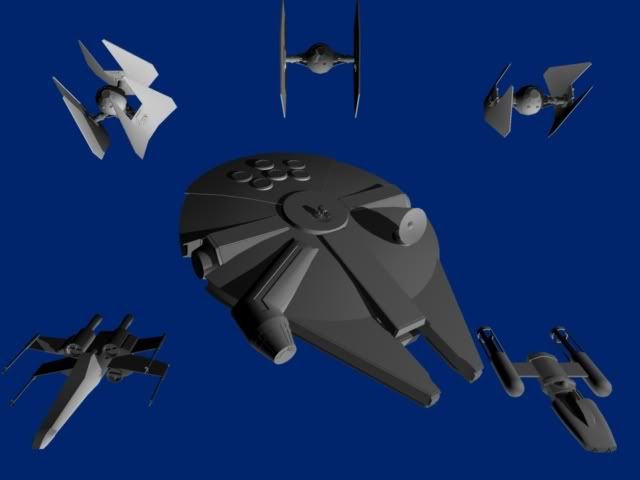


 ) Star Wars mod: