

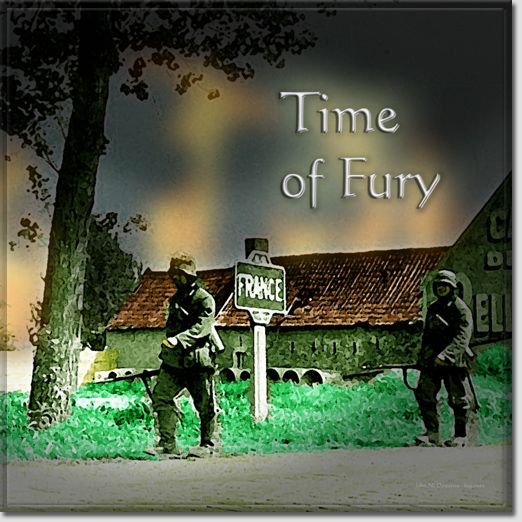
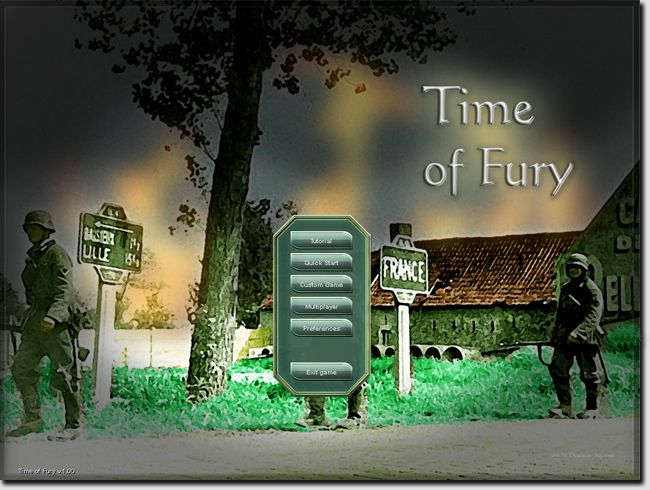
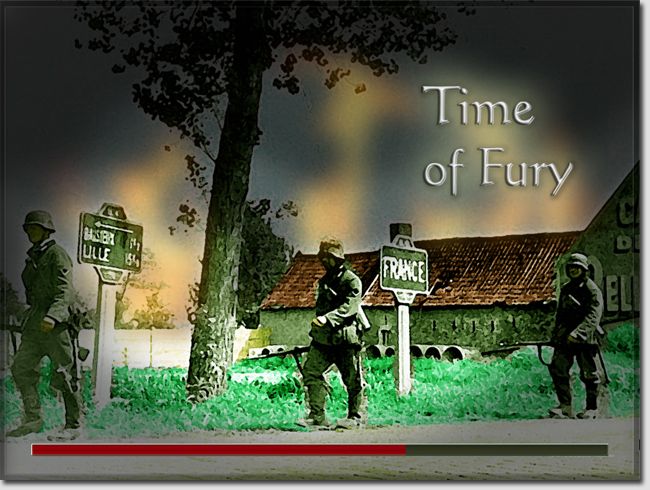
This mod provides an alternative for several graphics files that load at the beginning of the game.
Back-up your original files. Download the attachment and place it in the data/gfx folder of the main game directory. This is the logog.png file...
Moderator: doomtrader


Post by Rasputitsa »
Post by Rasputitsa »
That's an interesting question. It appears to me that the game is optimized for a 1024x768 px resolution presentation of these .png images. The actual image on the 2048x2048 .png file is 1600x1200 px. I'm wondering now if 1024x768 is still the "standard" computer screen resolution. I'm sitting here looking at two wide screen monitors...hmmmm...ORIGINAL: Rasputitsa
...I am using 1600x900 and in the wallpaper_main.png file it cuts the troops off at the knees, is there an easy way to reprofile the images for wide-screen.
Post by Rasputitsa »
ORIGINAL: bcgamesThat's an interesting question. It appears to me that the game is optimized for a 1024x768 px resolution presentation of these .png images. The actual image on the 2048x2048 .png file is 1600x1200 px. I'm wondering now if 1024x768 is still the "standard" computer screen resolution. I'm sitting here looking at two wide screen monitors...hmmmm...ORIGINAL: Rasputitsa
...I am using 1600x900 and in the wallpaper_main.png file it cuts the troops off at the knees, is there an easy way to reprofile the images for wide-screen.
Time to mess with things a bit. What did you do to get a satisfactory/better display?
Return to “Design and Modding”
