Step 5. Setting the Victory Condition, Attack Stance, and AI Usage:
O.K. We have named the scenario, set the map parameters, and have established the time frame for the scenario. Now we'll set the Victory Condition, Attack Stance, and AI Usage.

Left click on "Campaign" to change the Victory Condition type to "Short Scenario".

Enter the Attack Stance for each side. This influences how the AI will act during scenario play. To change the default Attack Stance, left click on "Axis 0 Soviet 0" to the right of the Attack Stance Label. A pop-up window will appear so we can enter the appropriate code. Our options are:
0 – Defend
1 – Cautious Attack
2 – Normal attack
3 – Sustained Attack
4 – All out attack

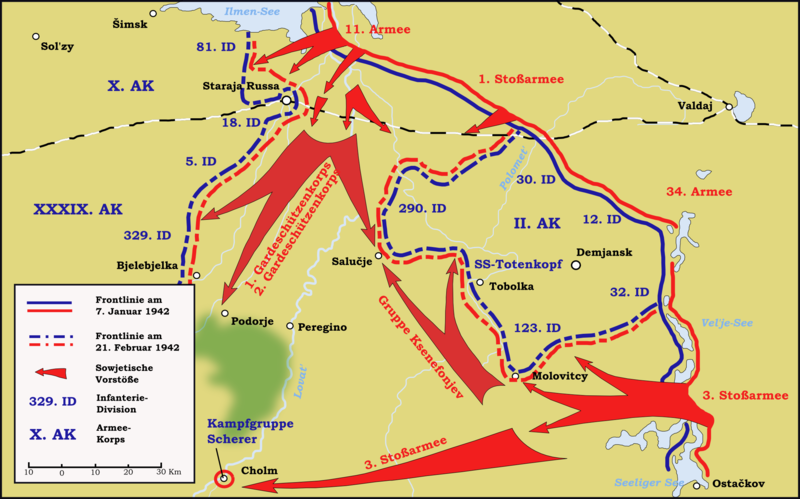
For starters let's set the Axis Attack Stance to 0 (Defend) because the Germans were defending at the start of this scenario, and let's set the Soviet Attack Stance to 3 (Sustained Attack) because they were attacking with the express purpose of creating an encirclement. We can adjust the Soviet Attack Stance up or down (aggression-wise) based on our playtests of the scenario later.
To set the AI Usage, left click on "Axis 0 Soviet 0" to the right of the AI Usage label. A pop-up window will appear. Our options for this setting are as follows:
0 – Use Campaign AI
1 – Use Attack AI Only
2 – Use Defend AI Only
Scenarios where one side is only going to attack or only going to defend, enter the appropriate AI Usage number. This setting will speed up the AI and will lead to slightly improved AI performance. If the AI Usage is set to campaign, then the Attack Stance settings will be ignored. Set the Germans to 2 (Use Defend AI Only) and Soviets to 1 (Use Attack AI Only).

If you have followed these steps, your Main tab should now look like this:

What are your questions, comments, rebuttals...