Ok, i'll try to help you.
First, download this 2 template files :
CLICK HERE TO DOWNLOAD TEMPLATE SIMPLE CARTE Photoshop file
CLICK HERE TO DOWNLOAD TEMPLATE GRANDE CARTE Photoshop file
These file are .psd (photoshop) files. Gimp could open it.
TO MAKE YOUR OWN MAP :
- Open TEMPLATE GRANDE CARTE.psd file
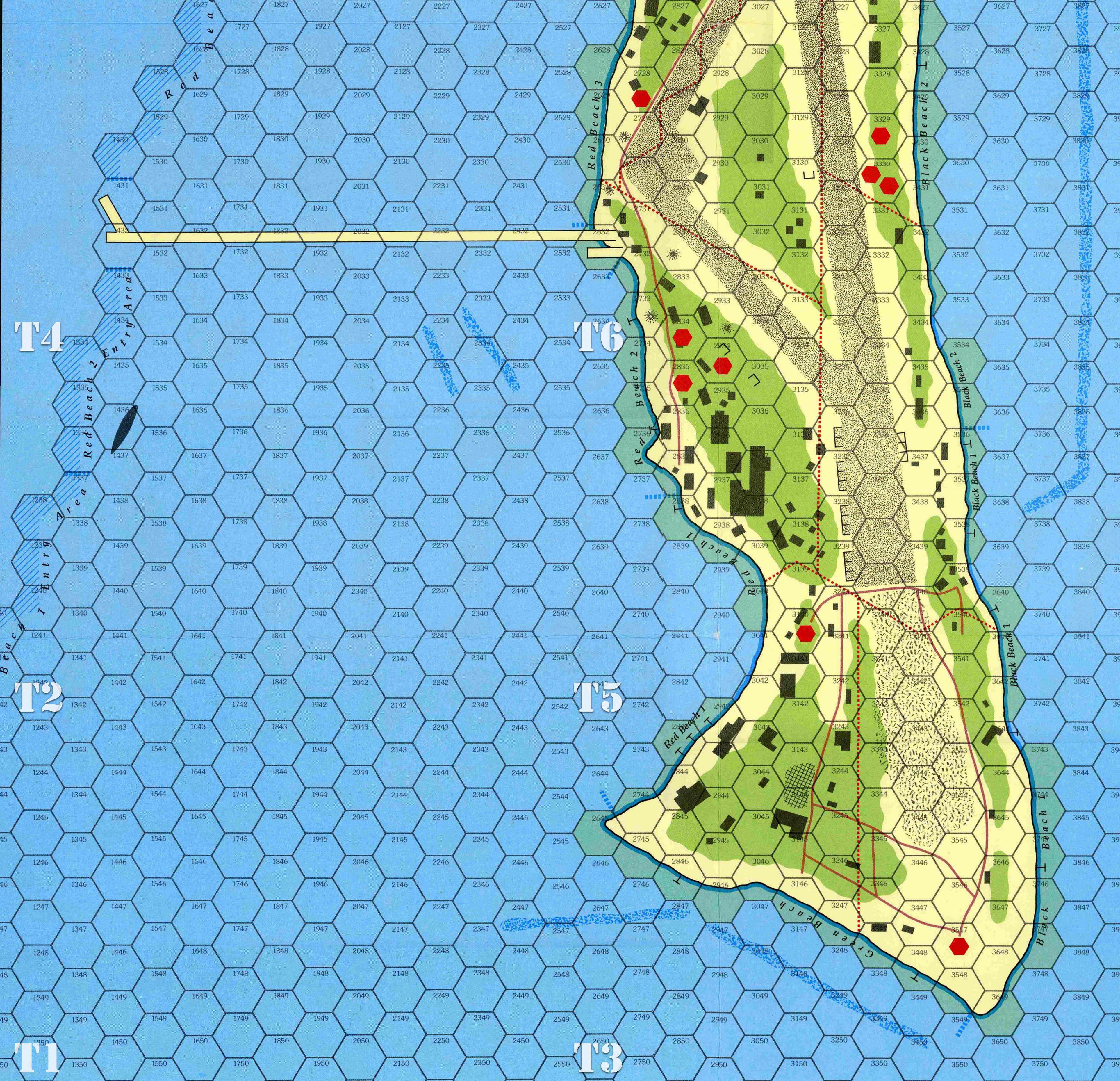
- Copy you map picture on a layer under the hexes grid's one
- Resize and crop your map picture to fit the hex grid (if your original map picture don't have hexes printed, resize it logicaly paying attention to the scale)
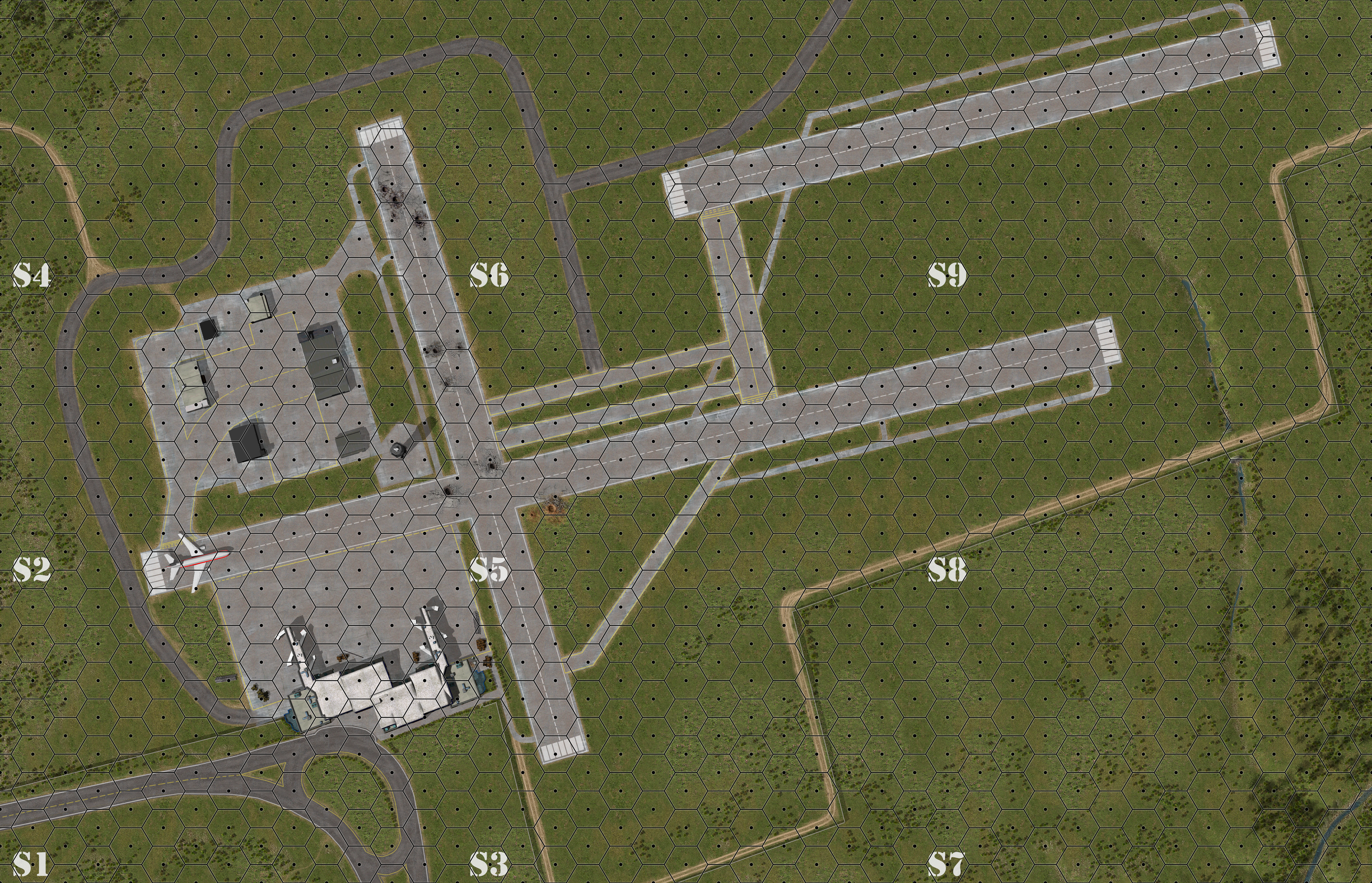
- You can see that TEMPLATE GRANDE CARTE file is divided into nine zones using markers. Each zone represents a standard map size corresponding to the nine zones of the game's scenario editor.
- You have to select a zone, then copy it And paste the cut piece of your image in the TEMPLATE SIMPLE CARTE.psd file. You can see there is markers too to delimit where you have to paste it.
- Then save your file as XXXXXX.bmp
You have to do that for each piece of your map depending the size of you original picture.
Note that a maximum of nine pieces (24 x 42 hexes) is possible in Heroes of Stalingrad game.
Hope it helps you.
If necessary, feel free to ask me more.
By the way, could you still send me the scan of your Noville board, please.
I still not have it.
Thanks